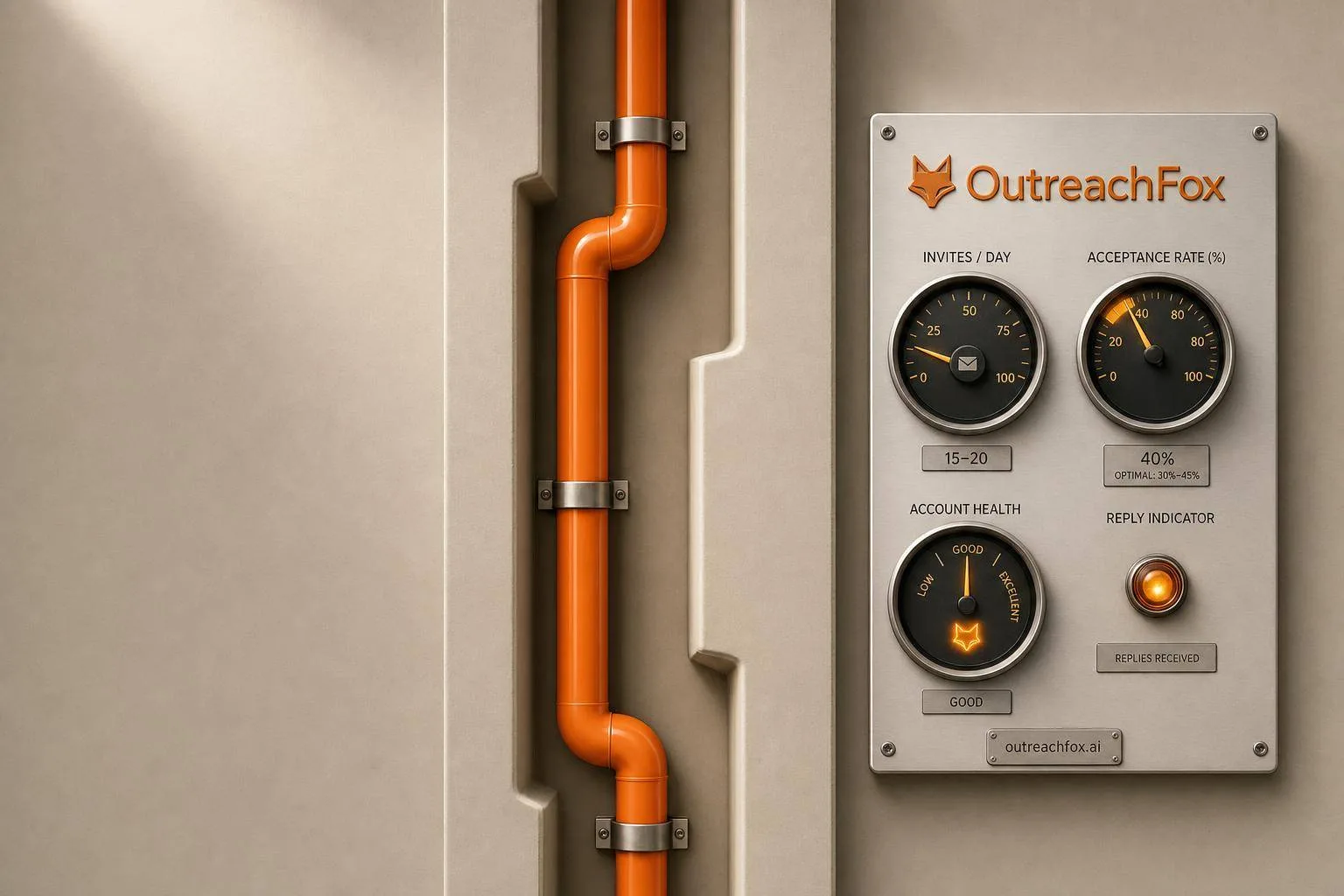
LinkedIn now prioritizes account reputation over send volume. Keep daily invites at 10–25, target 30–45% acceptance rates, and choose API-based or isolated tools over Chrome extensions to avoid bans.
- Send 10–19 invites daily to maintain 34% acceptance; 20–29 drops to 30.6%
- Acceptance rates below 20% trigger LinkedIn restrictions and account flags
- Chrome extensions carry highest ban risk; API-based tools are safest
- Unified inbox prevents duplicate follow-ups when prospects reply on one channel
- Start new accounts at 10–15 daily requests; scale only above 30% acceptance
- Dedicated IPs and isolated infrastructure protect sender reputation from shared servers
LinkedIn Outreach Tools for High Deliverability: 2026 Guide
If you want more LinkedIn replies in 2026, send less, watch acceptance rate, and use lower-risk tools.
From what I see in this guide, the main point is simple: LinkedIn now rewards account reputation, not raw volume. The safer path is to keep invites around 10–25 per day, aim for a 30%–45% acceptance rate, and avoid setups that look like bot traffic. Chrome extensions carry the most risk, while API-based or isolated setups tend to be safer.
Here’s the short version:
- I’d treat deliverability as the top metric, not send volume
- I’d keep daily invites low, since 34.0% acceptance happens at 10–19 invites/day
- I’d be careful once volume hits 20–29/day, where acceptance drops to 30.6%
- I’d watch for danger signs fast, like acceptance falling below 20%
- I’d pick tools based on architecture, warmup, monitoring, and inbox sync
- I’d make sure LinkedIn and email stop follow-ups after a reply
Best LinkedIn Automation Tools (2026)
Quick comparison
| Tool | Setup type | Risk level | Starting price | Best for |
|---|---|---|---|---|
| OutreachFox | Private isolated environment | Low | Not listed | Agencies, GTM teams, solo founders |
| Expandi | Cloud browser + dedicated IP | Medium | $79–$99/user/month | LinkedIn-heavy teams, agencies |
| Dripify | Cloud browser | Medium | $39/month | Sales teams |
| Waalaxy | Cloud browser | Medium | ~$21/month (€19) | Solo founders, SMBs |
| Salesflow | Cloud-first | Medium | Seat-based | Teams, agencies |
The article below breaks down the same core idea from every angle: what changed on LinkedIn, what hurts deliverability, how to judge outreach tools, and which platforms fit different risk levels.
Key Deliverability Challenges in LinkedIn Outreach
When it comes to LinkedIn outreach, deliverability issues usually pop up in three key areas: account restrictions, poor engagement, and risks tied to automation tools.
Account Restrictions and Bans
One surefire way to get your LinkedIn outreach campaign flagged - or even banned - is to trip the platform's bot detection system. For example, sending a sudden surge of 50 connection requests in 10 minutes is a red flag, especially if the account shows minimal manual activity like searches, profile views, or interactions on the feed. These patterns make LinkedIn more likely to scrutinize your account.
Another issue is using the same cookie-cutter message for every prospect. LinkedIn’s algorithms treat identical messaging as a sign of spam. Since 2026, the platform has also cracked down on outreach that seems to be AI-generated. To stay within LinkedIn’s limits, it’s best to cap daily connection requests at around 25 per account. Going over this limit repeatedly can lead to rate-limiting or even a full account ban.
Low Acceptance and Reply Rates
LinkedIn pays close attention to how many of your connection requests are accepted. A healthy acceptance rate falls between 30–45%, while anything below 20% can trigger restrictions. Trying to send more invites won’t solve the problem if your targeting is off. For instance, accounts sending 10–19 invites per day maintain an average acceptance rate of 34.0%, but this drops to 30.6% when the volume increases to 20–29 invites daily.
On top of that, a flood of negative replies - like prospects asking to stop receiving messages - signals to LinkedIn that your outreach isn’t welcome. This damages your account's reputation and can lead to further deliverability issues. Using tools to monitor these metrics early can help teams course-correct before hitting serious limits.
Device and Session Fingerprinting Risks
The way your automation tools are set up can reveal a lot to LinkedIn about how you’re operating. Here’s a quick breakdown of the risks tied to different architectures:
| Architecture | Detection Risk | Worst-Case Outcome |
|---|---|---|
| Chrome Extension | Highest | Permanent account ban |
| Cloud Browser | Medium | Detectable session emulation; potential ban |
| Verified API | Lowest | Recoverable rate-limiting |
"Chrome extensions carry the highest exposure. Every action looks like it came from the founder's machine, which is exactly what LinkedIn's anti-automation systems are looking for." - Marcus Webb, Tools & Automation, LinkedInsider
These risks highlight why it’s crucial to use tools with features like isolated infrastructure, account warmup, and real-time monitoring - all of which are covered in the next section.
How to Evaluate LinkedIn Outreach Tools for Deliverability
Not all LinkedIn outreach tools are created equal. While a sleek interface might grab your attention, the real game-changer lies in the platform's infrastructure. Before committing to a tool, focus on three key areas: infrastructure, warmup, and monitoring.
Infrastructure and Safety Features
Start by checking if the tool uses verified API connections, isolated cloud sessions, and dedicated IPs. Tools that rely on official API partnerships handle activity through approved channels, reducing the chances of detection compared to those that mimic browser behavior. Dedicated IPs are crucial - they ensure that your account's reputation isn't compromised by others' actions on shared servers.
Additionally, confirm that the tool mimics human behavior by spacing out actions over time. This means avoiding rapid, unnatural bursts of activity. A solid infrastructure ensures your account stays under the radar, but it’s the warmup process that tests whether it can handle larger-scale activity.
Warmup and Reputation Management
If you’re using a new or dormant LinkedIn account, a gradual warmup is essential. Start small, sending only 10–15 connection requests daily, and increase the volume only if your acceptance rate stays above 30%.
Look for tools that adapt based on performance data. An adaptive warmup process, which adjusts to your account’s health in real time, is far more effective than rigid weekly limits. Once your account is fully warmed up, ongoing monitoring ensures your outreach remains effective and safe.
Analytics and Monitoring
Real-time monitoring is a must to catch deliverability issues early. Pay close attention to three critical metrics: connection acceptance rate, message reply rate, and qualified reply rate - the latter measuring replies that indicate genuine interest rather than polite declines or removal requests.
| Metric | Diagnoses |
|---|---|
| Connection Acceptance Rate | How well your targeting and profile appeal to prospects |
| Message Reply Rate | The relevance and personalization of your outreach messages |
| Qualified Reply Rate | The quality of leads and their intent to engage |
Choose tools that provide step-by-step data, allowing you to pinpoint where prospects drop out of a sequence. A unified inbox is another essential feature. Without it, you might risk sending follow-up emails to someone who’s already replied on LinkedIn, which can come off as sloppy - or even spammy.
Finally, make sure the tool offers real-time alerts for account health. If your acceptance rate dips below 20% or your daily activity is being throttled, you need immediate notifications to address the issue before it escalates. These criteria will help you evaluate and compare platforms effectively in the next section.
Top LinkedIn Outreach Tools for High Deliverability in 2026
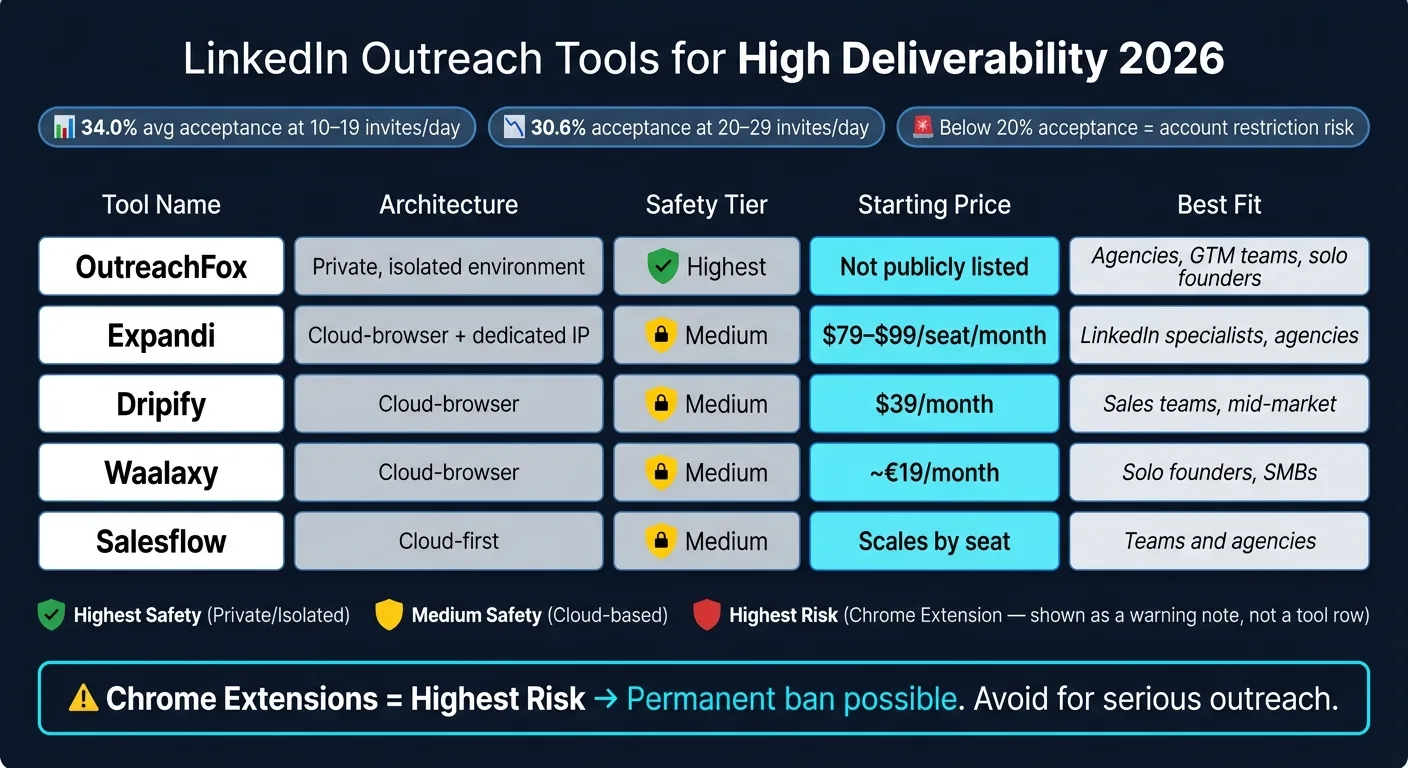
The top platforms differ most in how they’re built behind the scenes. That matters more than it might seem.
Some tools give each account its own isolated setup. Others run on cloud-browser systems that try to act like normal user behavior. So when you compare options, don’t just look at features. Look at the architecture, the built-in safety checks, and how each setup affects deliverability in day-to-day use.
OutreachFox
OutreachFox treats deliverability like an infrastructure issue first. Each customer gets a private, isolated sending environment with dedicated campaign IPs. That means sender reputation stays connected to your activity, not someone else’s.
It also includes a unified inbox that pulls replies into one view, which makes follow-up less messy. On top of that, real-time metrics help you spot trouble early before it spreads across campaigns.
Expandi
Expandi runs on cloud-browser architecture and gives each account a dedicated IP. That setup helps separate account activity, while randomized delays make actions look more like normal human pacing.
The platform also uses daily limits to avoid sudden spikes in activity that can set off detection systems. If things go wrong, the usual downside is a restriction instead of a permanent ban. Pricing ranges from $79–$99 per seat/month.
Dripify
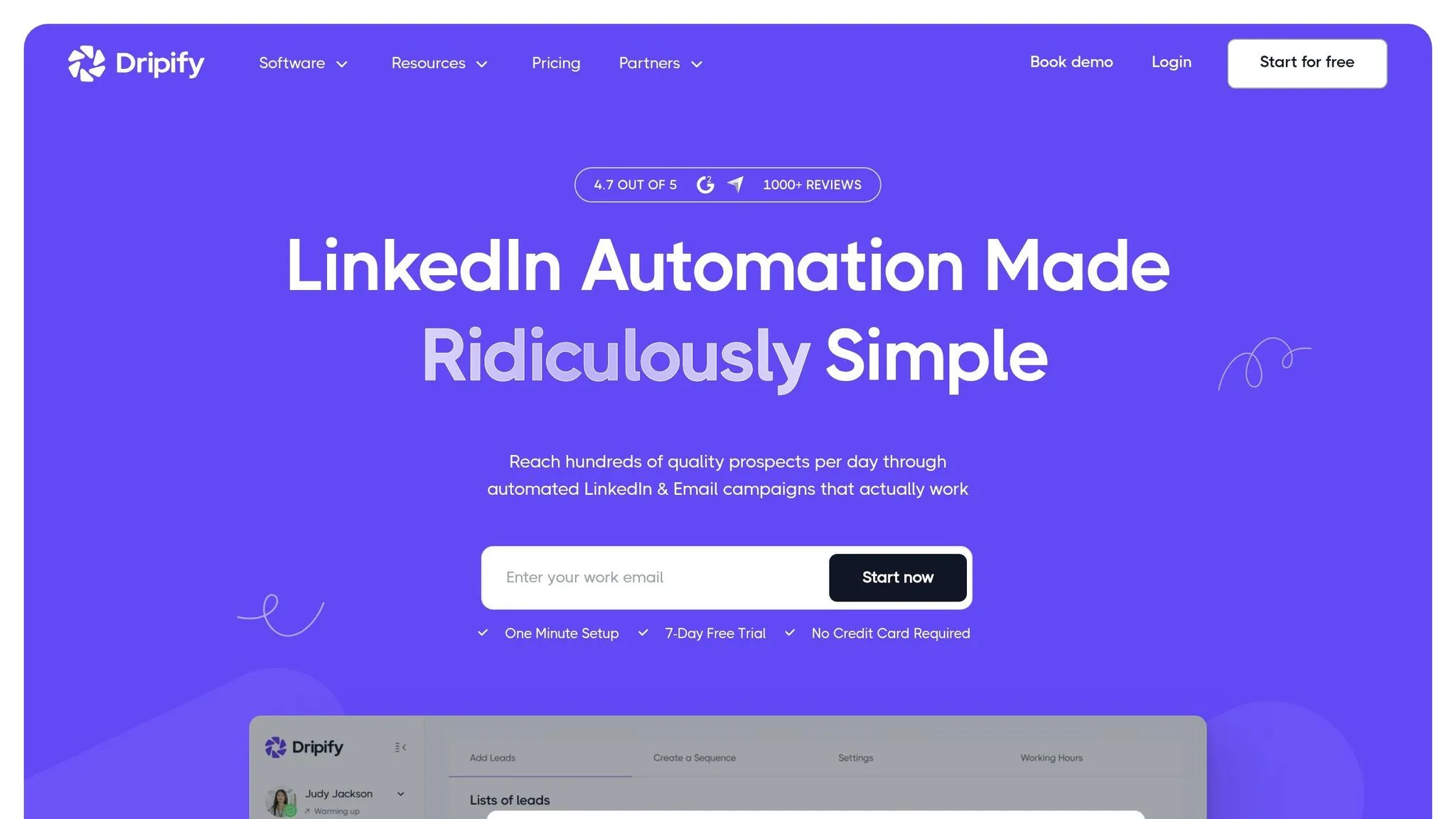
Dripify is geared toward multi-step sequences and uses cloud execution, so campaigns can keep running without relying on your local machine. If you don’t want to babysit every campaign, that’s a big plus.
Its built-in safety controls manage daily caps and pacing automatically, which cuts down on manual monitoring. Pricing starts at $39/month for the Basic plan and goes up to $79/month for the Advanced plan.
Waalaxy
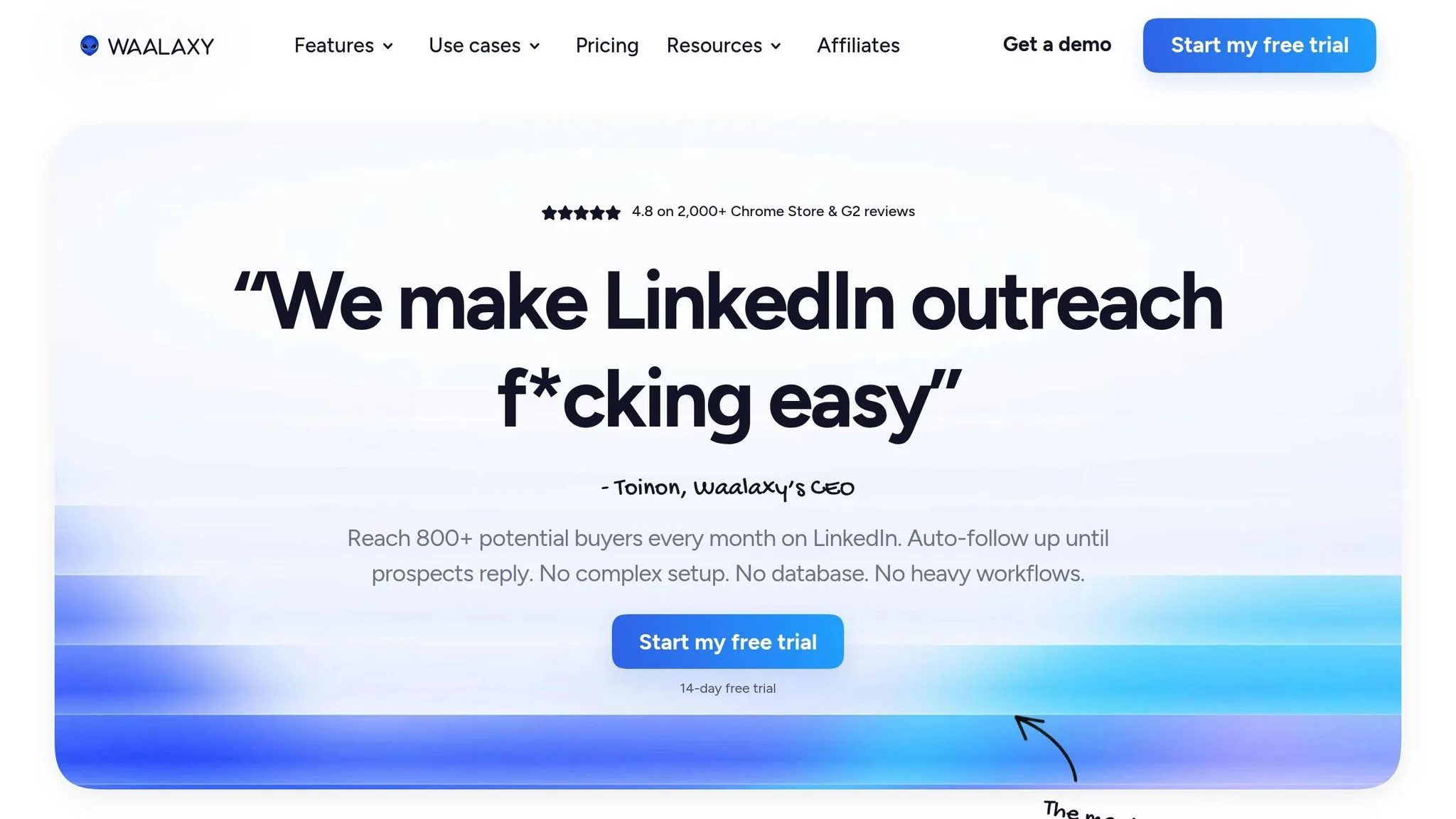
Waalaxy combines LinkedIn and email outreach in a cloud-based setup. It includes built-in activity limits and pacing controls, which help keep sending behavior steady instead of erratic.
The Pro plan starts at about €19/month.
Salesflow
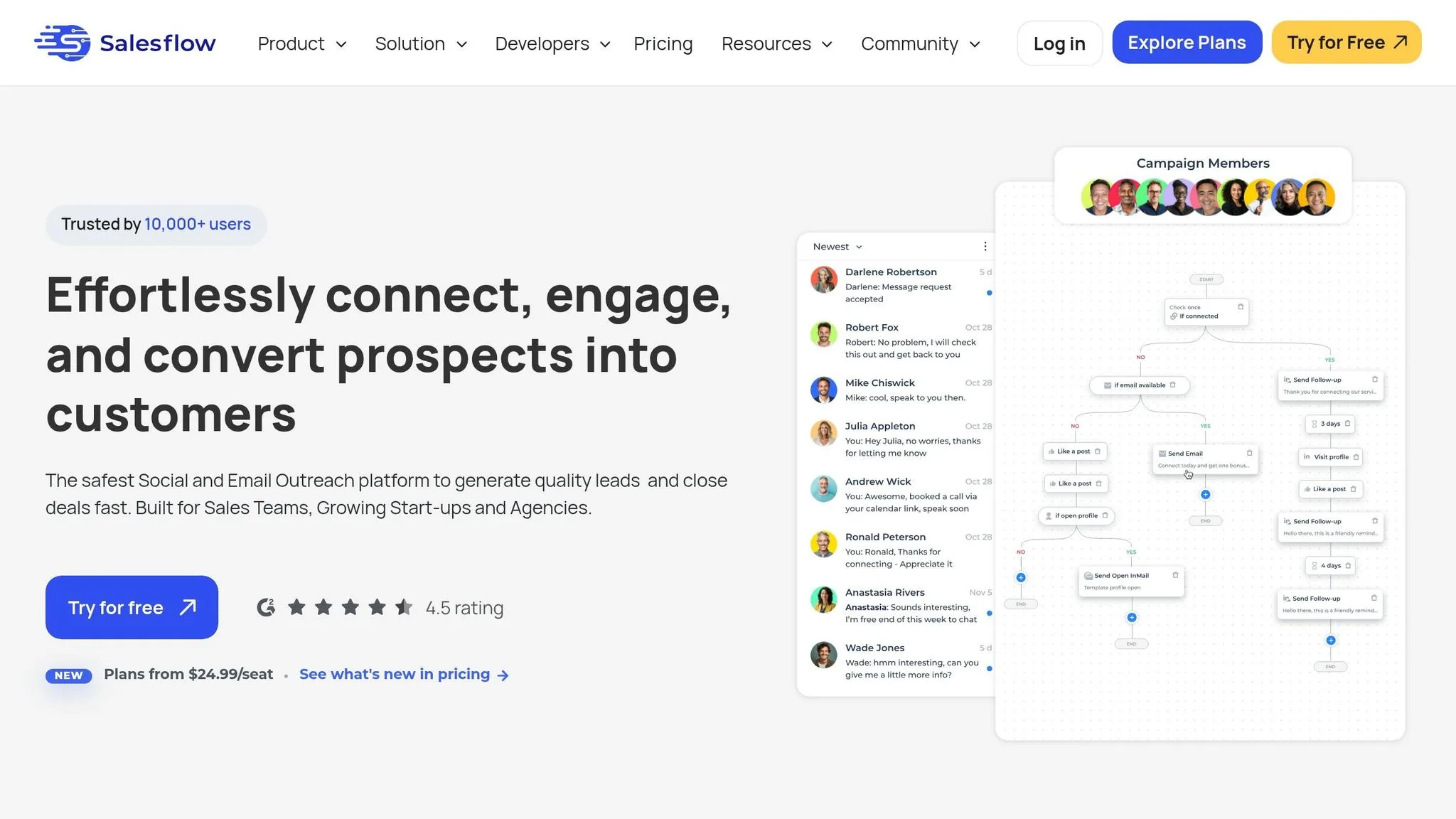
Salesflow is aimed at teams and agencies. Its main draw is centralized seat management, paired with cloud-based pacing controls.
That makes it a practical option when more than one person needs to manage outreach from the same system.
| Tool | Architecture | Safety Tier | Starting Price | Best Fit |
|---|---|---|---|---|
| OutreachFox | Private, isolated environment | Highest | Not publicly listed | Agencies, GTM teams, solo founders |
| Expandi | Cloud-browser + dedicated IP | Medium | $79–$99/seat/month | LinkedIn specialists, agencies |
| Dripify | Cloud-browser | Medium | $39/month | Sales teams, mid-market |
| Waalaxy | Cloud-browser | Medium | ~€19/month | Solo founders, SMBs |
| Salesflow | Cloud-first | Medium | Scales by seat | Teams and agencies |
Use this comparison to choose the stack that fits your setup, then dial in the settings for safe sending.
Best Practices for High-Deliverability LinkedIn Outreach
Configuring Tools for Safety and Results
Use the metrics above to set your cadence before you turn up volume.
LinkedIn is not a bulk channel. Deliverability comes down to account reputation, not some fixed daily cap. A good starting point is 20–25 connection requests per day, but only after your acceptance rate stays above 30%. That matters because acceptance is highest at 34.0% when accounts send 10–19 invites, then drops to 30.6% at 20–29. Go past that, and acceptance can slip while throttling gets tighter.
A couple of simple wins can help right away:
- Don’t put external links in the first message
- Spread sequences across 18–21 days
- Keep hard asks to 2 out of every 7 touches
Once your pacing is in place, watch the three signals that show whether the account is still in good shape.
Tracking Metrics and Fixing Problems
Three numbers tell you almost everything about the health of a LinkedIn campaign:
| Metric | Healthy Range | Action if Below Threshold |
|---|---|---|
| Connection Acceptance Rate | 30–45% | Tighten ICP filters; improve profile headline |
| Reply Rate | 16–26% | Add per-step personalization; reference recent posts or role changes |
| Ignored Invites | Keep low | Withdraw old ignored requests to protect sender reputation |
If acceptance drops below 20%, fix targeting and profile positioning before sending more volume.
If the account gets flagged, cut back at once to 10–15 requests per day and hold there until things settle down.
Building a Deliverability-First Outreach Stack
If replies are slipping through the cracks, fix the stack before adding more volume.
A clean setup has three layers working together: data, outreach, and inbox management. The usual problem is patching tools together with weak webhooks that create duplicate records and missed replies. It works fine until it doesn’t, and then follow-ups keep going after someone has already answered. That’s a bad look.
The better setup uses a shared data model, where one contact record tracks activity across LinkedIn and email at the same time. So if a prospect replies on LinkedIn, the email sequence stops on its own. That’s the line between a true multichannel setup and two separate tools running side by side.
OutreachFox uses one shared data layer, keeping enrichment, LinkedIn sequences, email infrastructure, and a unified inbox together, so replies stop follow-ups automatically. If your team prefers to mix tools, a few things aren’t optional:
- Secondary sending domains for email
- Verified lists kept under a 2% bounce rate
- One inbox view that pulls in replies from every channel
That operating model is the difference between a safe tool and a fragile one.
Conclusion: Picking the Right LinkedIn Outreach Tools for 2026
After looking at infrastructure, warmup, and monitoring, the decision comes down to risk and how your stack is set up. LinkedIn is not bulk email. In 2026, its algorithm is based on reputation, and reach depends on relevance.
That’s why API-first tools or isolated infrastructure tend to be safer than browser extensions. Cloud tools sit somewhere in the middle.
If your team runs LinkedIn and email at the same time, coordination matters just as much as sending volume. When separate tools don’t share contact status, things get messy fast. Someone replies, but the other tool doesn’t know it, so it keeps sending follow-ups anyway. That hurts reply quality and makes your outreach feel sloppy.
OutreachFox handles LinkedIn and email inside one shared data model, so when a person replies, follow-ups stop on their own. That’s the part many teams miss: multichannel only works when one system controls the full contact state.
Pick the tool that fits your risk tolerance. Start slow, watch acceptance rates closely, and scale only when those numbers stay healthy.
Frequently asked questions
What daily invite limit should I use to maintain a healthy acceptance rate on LinkedIn in 2026?+
Start with 10-19 connection requests per day, which maintains an average acceptance rate of 34.0%. If you scale to 20-29 invites daily, acceptance typically drops to 30.6%. Only increase volume above 25 per day after your acceptance rate stays consistently above 30%, as LinkedIn now prioritizes account reputation over send volume.
Why are Chrome extension-based LinkedIn tools considered high-risk?+
Chrome extensions carry the highest detection risk because every action appears to come from your actual machine, making it easy for LinkedIn's anti-automation systems to identify bot-like behavior. This architecture can result in permanent account bans, whereas cloud browsers pose medium risk and verified API connections carry the lowest risk with recoverable rate-limiting.
What acceptance rate indicates my LinkedIn account is at risk of restrictions?+
A healthy LinkedIn connection acceptance rate falls between 30-45%. If your acceptance rate drops below 20%, you should immediately fix your targeting and profile positioning before sending more requests. At this threshold, LinkedIn's algorithm may flag your account for potential restrictions or throttling.
How do dedicated IPs in LinkedIn outreach tools protect deliverability?+
Dedicated IPs ensure your account's sender reputation isn't affected by other users' poor practices on shared servers. Tools like Expandi and OutreachFox use dedicated IPs to isolate your account activity, so your deliverability metrics remain tied only to your own sending behavior and acceptance rates.
What's the difference between a multichannel tool and separate LinkedIn and email tools?+
A true multichannel tool uses one shared data model where contact replies automatically stop follow-ups across all channels. Separate tools often create duplicate records and missed replies because they don't communicate contact status, leading to follow-up messages being sent after someone has already responded on another channel.
How should I warm up a dormant or new LinkedIn account before scaling outreach?+
Begin with only 10-15 connection requests daily and gradually increase volume only if your acceptance rate stays above 30%. Mix in organic activity like profile views, feed engagement, and searches to establish normal usage patterns. After 6+ months of consistent activity, accounts may scale to 50-80 requests per day if metrics remain healthy.
What metrics should I monitor to catch LinkedIn deliverability problems early?+
Track three critical metrics: connection acceptance rate (should be 30-45%), message reply rate (healthy range 16-26%), and qualified reply rate measuring genuine interest responses. Monitor these in real-time and set up alerts if acceptance drops below 20% or if you notice throttling, so you can adjust targeting before restrictions escalate.