
Agencies should prioritize private client isolation over shared infrastructure. OutreachFox leads with dedicated IPs, native LinkedIn, and API control; InboxKit offers fast setup; shared-pool options like Mailforge trade cost for risk.
- Private infrastructure prevents one client's reputation from affecting another client's deliverability
- Setup speed ranges from under 1 minute to 4 business days depending on provider
- Inbox placement rates vary widely from 63% to 92% across different providers
- API access and LinkedIn support separate self-serve platforms from basic mailbox provisioning
- Shared IP pools reduce cost but increase cross-client reputation risk for agencies
- OutreachFox provides isolated workspaces, dedicated campaign IPs, and multichannel control in one platform
Agency Cold Email Infrastructure Providers: Comparison
If I were picking a cold email infrastructure provider for an agency in 2026, I’d start with one question: can one client’s problems hurt another client? That’s the split that matters most here.
This comparison looks at 8 providers: OutreachFox, InboxKit, ScaledMail, Zapmail, Primeforge, Mailscale, Maildoso, and Mailforge. I’d judge them on the things agencies care about most:
- Mailbox setup speed
- Client separation
- Deliverability setup
- LinkedIn support
- API access
- Price and trade-offs
Here’s the short version:
- OutreachFox is aimed at agencies that want private client separation, LinkedIn steps, and API control in one stack.
- InboxKit leans hard into fast setup and broad sending-tool handoff.
- ScaledMail is more of a done-for-you service than a self-serve platform.
- Zapmail, Mailscale, Maildoso, and Mailforge are easier on setup or price, but shared infrastructure is the main risk.
- Primeforge sits in the middle: official Google and Microsoft accounts, but not deep IP-level separation.
A few numbers stand out right away:
- InboxKit says 82%–92% inbox placement
- Maildoso says 86%
- Mailforge averages 63%
- Setup ranges from under 1 minute to 2–4 business days
- Pricing runs from about $1.25 per mailbox on the low end to more layered pricing with add-ons on other tools
If you manage client outreach, the choice is pretty simple:
- Pick private or isolated infrastructure if client reputation risk is a big deal
- Pick shared pools if low cost and easy rollout matter more
- Pick API + LinkedIn support if you want one system for mailbox setup and multichannel outreach
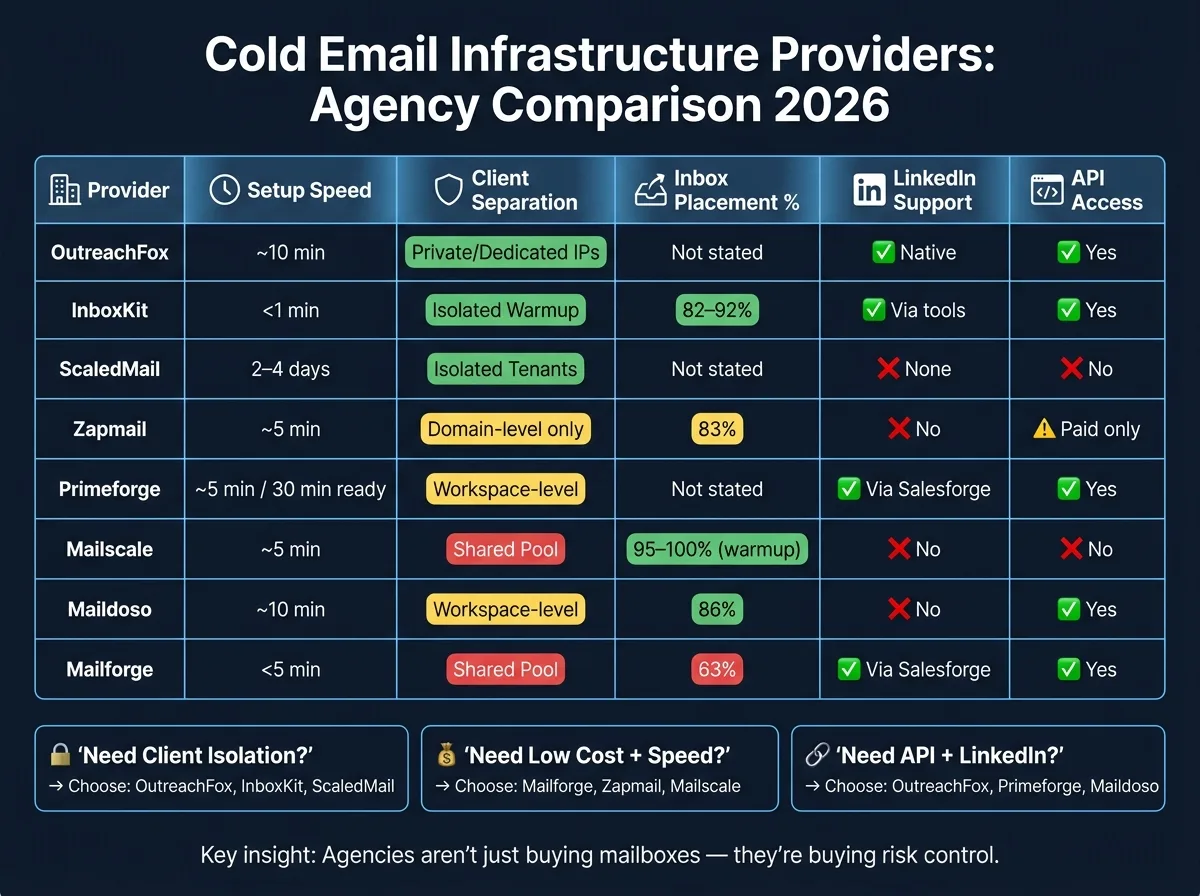
Ranking Every Cold Email Inbox Provider (2026 UPDATE)
Quick Comparison
| Provider | Setup Speed | Client Separation | Deliverability Notes | API | |
|---|---|---|---|---|---|
| OutreachFox | About 10 minutes | Private workspaces and dedicated campaign IPs | Dedicated U.S./EU IPs, mailbox health checks, auto pause | Native | Yes |
| InboxKit | Under 1 minute | Isolated warmup, tier-based controls | 82%–92% placement, static IPs need manual rotation | Through connected tools | Yes |
| ScaledMail | 2–4 business days | Isolated tenants | No auto recovery, no live IP rotation | Not listed | No public API |
| Zapmail | About 5 minutes | Domain-level only | Shared IPs, 83% placement | No | Paid tier only |
| Primeforge | About 5 minutes; ready in 30 minutes | Workspace-level | Real provider accounts, no auto recovery | Via Salesforge | Yes |
| Mailscale | About 5 minutes | Shared pool | Shared IPs, no rotation, SMTP model | No | No public API |
| Maildoso | About 10 minutes | Workspace-level | Shared IPs, rotation, 86% placement, auto pauses | No native support | Yes |
| Mailforge | Under 5 minutes | Shared pool | 63% placement, no self-healing | Via Salesforge | Yes |
So if I boil the article down to one takeaway, it’s this: agencies are not just buying mailboxes - they’re buying risk control. The rest of the comparison comes down to how much separation, monitoring, and automation each provider gives you for the money.
1. OutreachFox
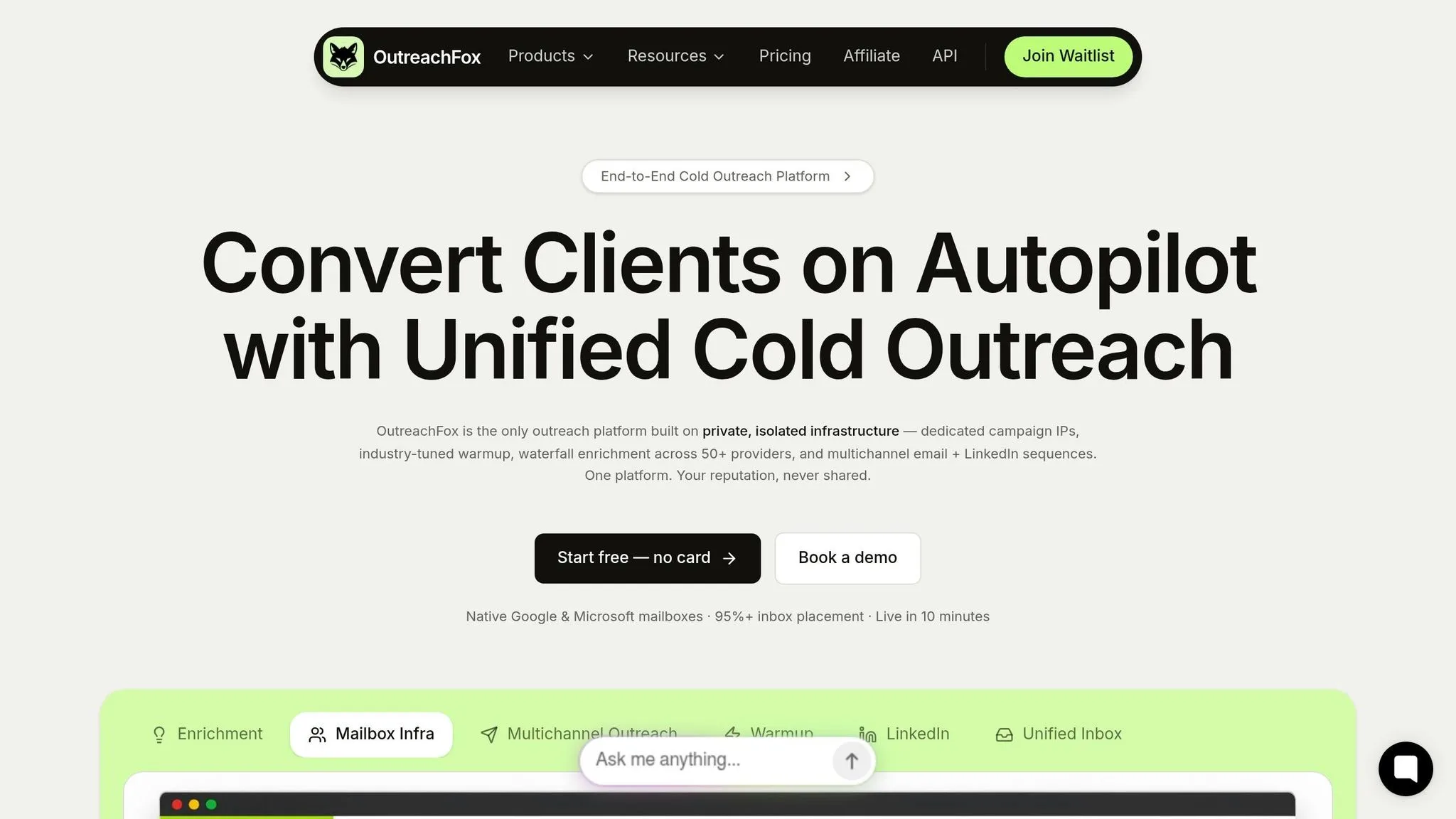
OutreachFox gives each client a private setup: dedicated campaign IPs, isolated mailboxes, and separate workspaces. The big idea is simple. One account can't spill problems into another.
Bulk Provisioning
OutreachFox includes an AI domain finder and bulk autofill for names, signatures, and photos across Google and Microsoft mailboxes. Teams can get things live in about 10 minutes instead of waiting 2–4 weeks.
That kind of speed matters, especially for agencies that don't want setup work dragging on forever. And just as important, the fast rollout doesn't blur client lines. Each setup stays separate.
Client Isolation
Each client operates inside its own isolated workspace. So if one client sees high volume, a rough bounce rate, or spam complaints, that won't damage another client's sender reputation.
OutreachFox also tracks mailbox health on a per-mailbox basis around the clock. If an inbox starts struggling, the system pauses it on its own before it can hurt that domain's deliverability.
Deliverability Model
OutreachFox uses dedicated campaign IPs across US and EU regions, along with automated SPF/DKIM/DMARC setup.
There's also a simple channel match in place:
- Gmail leads send from Gmail accounts
- Outlook leads send from Outlook accounts
That keeps the sending setup aligned with the mailbox type, which is often where small deliverability issues start.
LinkedIn + API
OutreachFox supports native LinkedIn sequences, including connection requests, profile visits, and messages. If an email goes unopened, it can trigger a LinkedIn follow-up.
On the API side, every dashboard action is exposed through API access. Webhooks push bounces, opens, replies, and real-time mailbox-health events. Agencies can provision domains, manage campaigns, and sync replies to their CRM.
InboxKit takes a different approach to provisioning and workspace control.
2. InboxKit
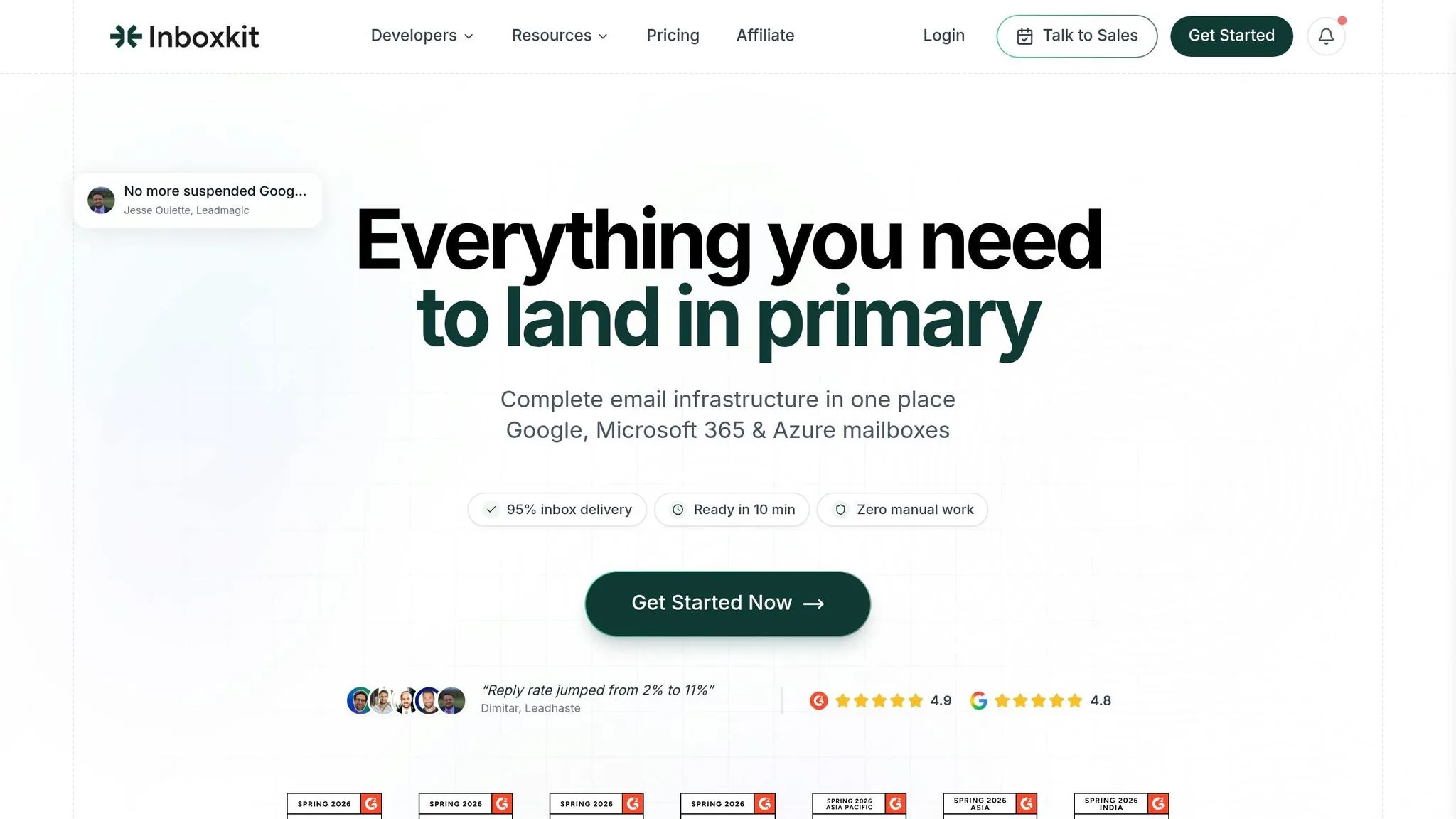
Where OutreachFox leans into private infrastructure, InboxKit is built for speed and sequencer integrations.
The big idea is simple: get mailboxes live fast, then push them into your sending stack without a bunch of extra steps. InboxKit supports one-click export to 24+ sending tools, which makes handoff pretty smooth for agencies and teams that want to launch campaigns fast. If private infrastructure is your top concern, this may not be the main draw. But if deployment speed matters most, InboxKit is aimed right at that use case.
Bulk Provisioning
InboxKit’s Quick Setup tool can provision mailboxes in under one minute. It also automates SPF, DKIM, DMARC, and MX setup from the start, so teams don’t have to piece those parts together by hand.
From one dashboard, InboxKit manages:
- Google Workspace
- Microsoft 365
- Azure mailboxes
Azure mailboxes start at $30 per domain for up to 100 mailboxes.
Client Isolation
InboxKit uses an isolated warmup model priced at $3 per mailbox per month. In this setup, each mailbox stays separate during warmup.
For bigger teams, InboxKit also offers Agency and Enterprise tiers. Its InfraGuard feature monitors 50+ blacklist sources, checks DNS health, and sends weekly reports.
Deliverability Model
InboxKit says it can reach 82% to 92% inbox placement with isolated warmup, dedicated U.S. IPs, and real Google Workspace and Microsoft 365 accounts.
There’s one tradeoff here. Because InboxKit uses static IPs, a flagged IP has to be rotated manually.
LinkedIn + API
InboxKit connects with multichannel tools that include LinkedIn steps, which makes sense for teams running outreach beyond plain email.
On the API side, teams can handle programmatic mailbox setup, blacklist monitoring, and inbox placement tests through the API. Placement tests are available at about $0.05 each.
Next up: ScaledMail.
3. ScaledMail
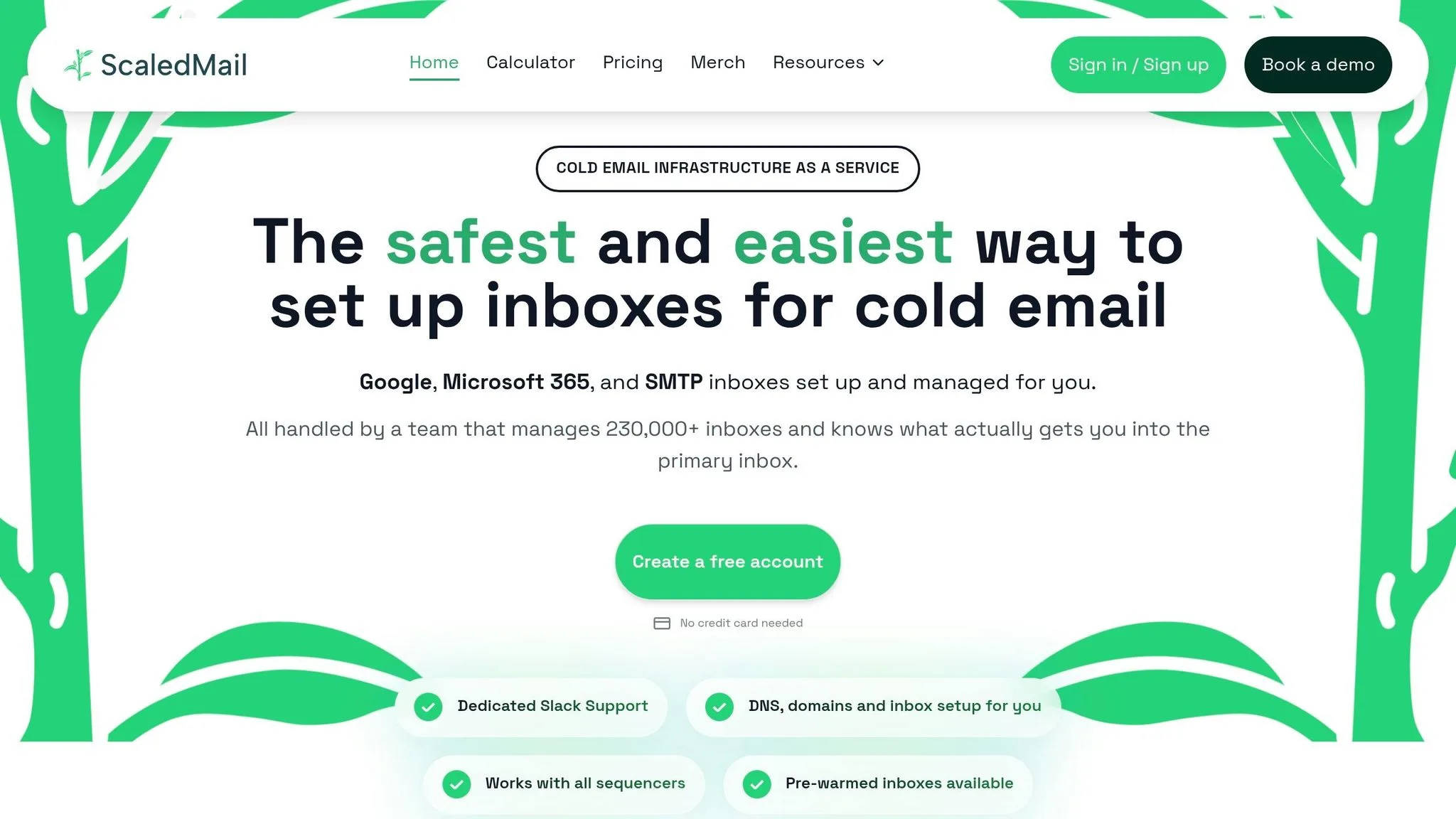
ScaledMail is a fully managed service. Its team takes care of domain acquisition, DNS, and mailbox setup for you. So this sits closer to a managed service than a provisioning platform.
That makes it a fit for agencies that want mailbox provisioning handled for them, not by them. The trade-off is speed: turnaround is 2–4 business days, not instant.
Bulk Provisioning
ScaledMail supports these mailbox types:
- Google Workspace
- Microsoft 365
- SMTP
Support is handled through a dedicated Slack channel.
Client Isolation
Client accounts run in isolated tenants, so they don’t share IP reputation. That’s a solid setup if you want separation between clients.
That said, there’s no IP rotation or automated mailbox recovery. If something goes wrong, recovery is manual only.
Deliverability Model
ScaledMail does not offer real-time IP rotation or automated mailbox recovery.
Pricing runs $3.50–$3.75 per mailbox, plus $50 per Outlook domain. There are no refunds.
LinkedIn + API
There’s no public API. There’s also no documented LinkedIn support.
Primeforge shifts back toward a more self-serve model.
4. Zapmail
Zapmail is a self-serve provisioning platform built for speed. Setup takes about 5 minutes, thanks to automated DNS and an "Instant Domain Genie" that helps with domain selection and mailbox naming. You also get full admin access to each Google Workspace account.
That said, there’s a trade-off here. Zapmail is quick to launch, but it gives you less control over the mail setup than a private, client-isolated system.
Bulk Provisioning
Zapmail supports both Google Workspace and Microsoft 365 mailboxes. It also offers pre-warmed accounts, which can help teams get started faster.
Client Isolation
Zapmail separates accounts at the domain level, not at the IP reputation level. So while one domain per workspace keeps client accounts apart, the IP reputation is still shared.
For agencies, that detail matters. Separate domains can look clean on paper, but shared IPs mean one client’s sending can still affect another client’s outcomes.
Deliverability Model
Zapmail uses shared IPs, and warmup costs extra. Its average inbox placement is 83%.
Base plans also leave out a few things agencies often want, including:
- built-in blacklist monitoring
- warmup reporting
There are also reported India-based IPs despite Zapmail’s U.S.-focused positioning.
The other sticking point is control. Zapmail does not include LinkedIn support, and there’s no API on the base plan.
LinkedIn + API
Zapmail does not include LinkedIn support. API access starts on the $299/month Pro plan. The $32.50/month starter plan for 10 mailboxes does not include API access.
For agencies managing more than one client, shared IPs and gated API access make Zapmail easy to deploy, but a tougher fit for scale.
5. Primeforge
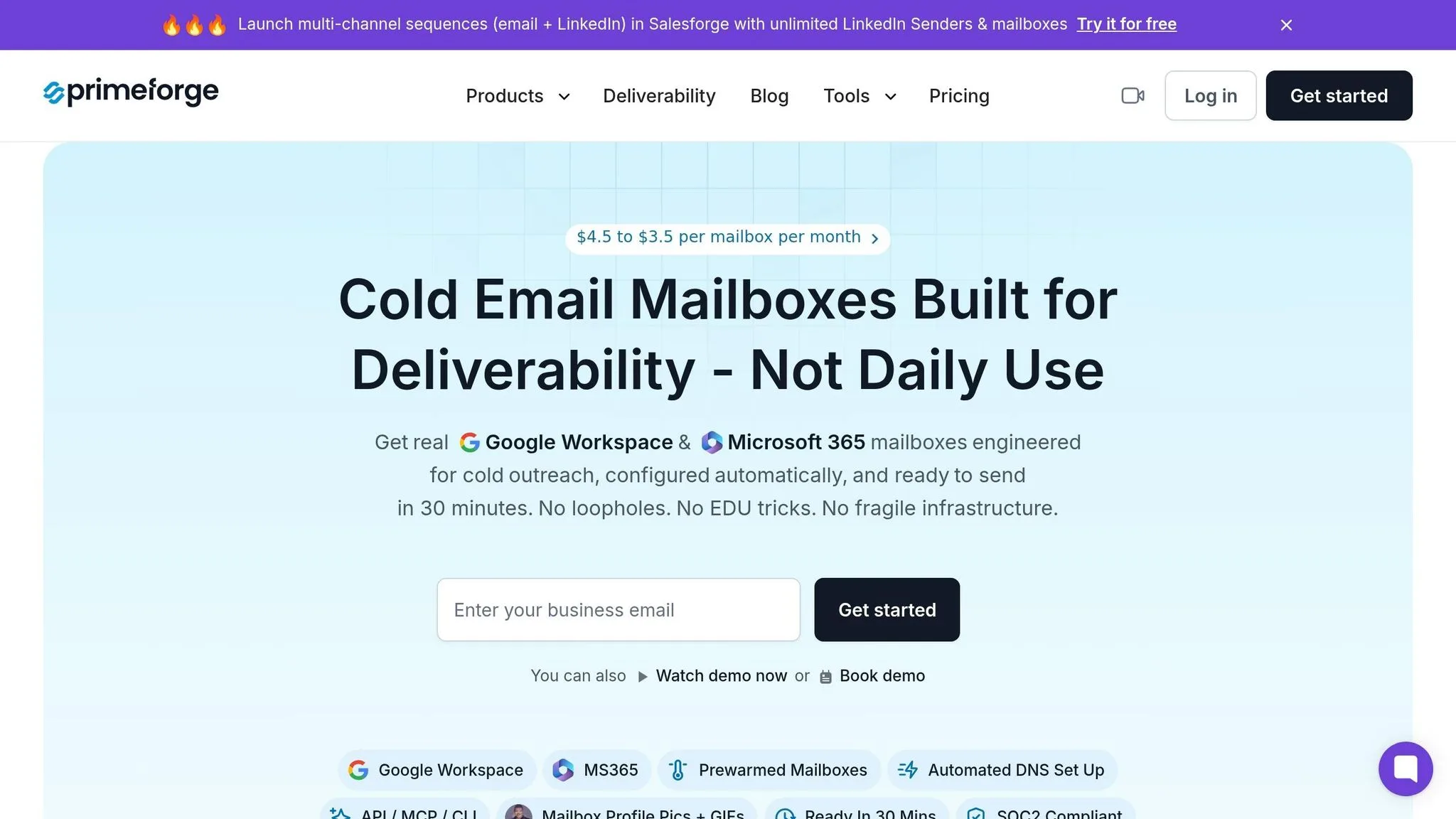
Primeforge provisions real Google Workspace and Microsoft 365 accounts on U.S.-based cloud IPs for agencies. The main trade-off is pretty simple: you get speed and lower cost, but not the deeper isolation you’d get from a more locked-down setup. It sits inside Salesforge’s infrastructure layer, alongside Warmforge for warmup and Infraforge for monitoring.
Bulk Provisioning
Provisioning takes about 5 minutes, and mailboxes are usually ready within 30 minutes. Pricing starts at $4.50 per mailbox per month and drops to $3.50 at 1,001+ seats. Warmforge adds $2.00 per mailbox per month, while Infraforge is priced separately.
Client Isolation
Primeforge supports multiple workspaces, which helps agencies keep clients separate. It also includes a workspace-wide inbox view that brings all mailboxes inside a workspace into one place.
That makes it workable for multi-client agency use. But there’s a catch: isolation happens at the workspace level, not the IP level.
Deliverability Model
Primeforge matches Gmail-to-Gmail and Outlook-to-Outlook when possible. Since it provisions real provider accounts instead of relying on shared SMTP infrastructure, it starts with a stronger trust profile than SMTP-only setups.
That said, its inbox placement trails InboxKit and Maildoso. It also doesn’t offer automated mailbox recovery, which matters if your agency is sending at high volume. In that kind of setup, this is a risk you need to factor in.
LinkedIn + API
Salesforge includes LinkedIn workflows, and Primeforge gives you API access for provisioning and management.
Mailscale takes a similar infrastructure-first route, but with a different mix of automation and control.
6. Mailscale
Mailscale takes a different path from the other options here. It doesn’t resell Google Workspace or Microsoft 365 accounts. Instead, it runs on its own SMTP setup and IP pools.
That gives Mailscale more control over the sending stack. But there’s a catch: you’re using custom SMTP, not native provider accounts. Setup can move fast, though the trade-off is less separation between clients.
Bulk Provisioning
Getting started takes about 5 minutes to set up SMTP.
Public pricing isn’t listed. Based on reported pricing, plans start at $1.25 per mailbox, with bundles ranging from $79/month for 15 accounts to $249/month for 200 accounts.
One thing to flag: you’ll need to book a sales demo to confirm current pricing.
Client Isolation
This is where the agency compromise becomes pretty clear.
Mailscale uses a shared IP pool with no rotation and no dedicated IPs. There’s also no mention of separate workspaces, sub-accounts, or mailbox-level access controls for handling multiple clients.
If you’re running outreach for several clients at once, that’s a real risk. One client’s sending activity could affect the others.
Deliverability Model
The shared IP pool is the main deliverability concern.
Mailscale says it can hit a 95–100% inbox placement rate during the first two weeks of warmup. At the same time, its suggested sending volume is capped at 30–50 emails per day per mailbox. That’s more aggressive than the more cautious 15 emails per day that higher-tier providers often suggest.
DNS setup is also manual. You won’t get the automated setup that tools like InboxKit or Primeforge offer.
LinkedIn + API
Mailscale doesn’t include LinkedIn support, so multichannel workflows are off the table for agency clients.
There’s also no public API for provisioning or monitoring. That makes automation harder if you need to manage mailboxes in bulk at scale.
7. Maildoso
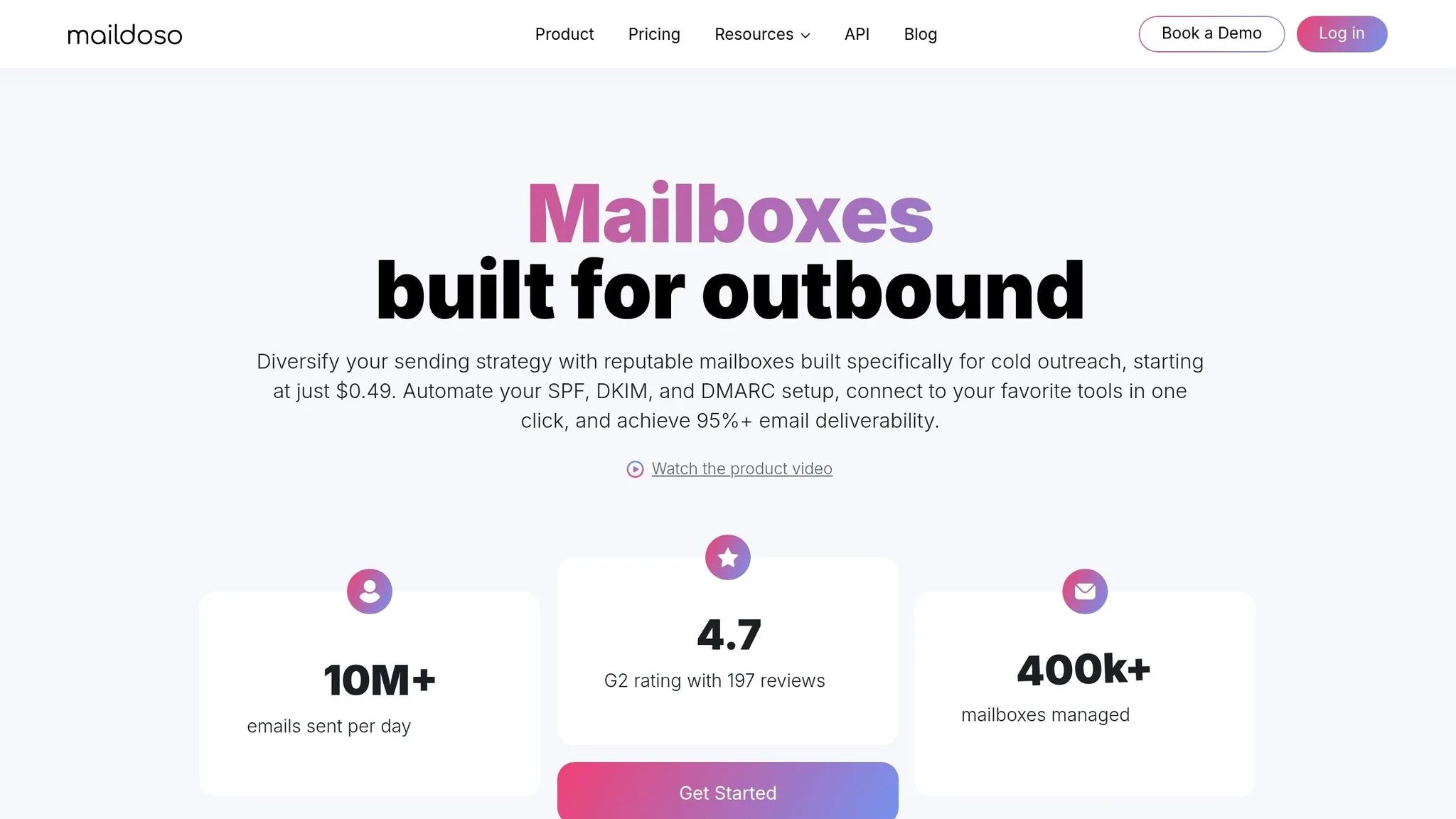
Maildoso is a lower-cost infrastructure option for teams that want to get mailboxes up and running fast. It handles domain registration, DNS, and mailbox setup in about 10 minutes. The tradeoff is simple: setup is easier, but the platform runs on shared IP infrastructure.
Compared with Mailscale's custom SMTP model, Maildoso keeps provisioning more straightforward, but you still share infrastructure with other users.
Bulk Provisioning
Maildoso automates the setup work that usually eats up time, including domain registration, SPF, DKIM, DMARC, and mailbox creation. Free domains come bundled with quarterly plans.
Here’s how pricing starts:
- Quarterly plans: $299 for 32 mailboxes and $2,199 for 400 mailboxes
- Monthly SMTP plans: $75 for 30 mailboxes
Client Isolation
Maildoso gives you workspace-level separation, which helps agencies keep clients in separate environments inside the dashboard. That makes account management cleaner and less messy.
But there’s a catch. While workspaces are separated, IP reputation is still shared across Maildoso users. So if one client sends in a way that hurts sender health, another client can feel the impact through lower deliverability.
Deliverability Model
Maildoso claims 86% average inbox placement. Its setup includes cadence-based sending, heavy IP rotation, no managed warmup, and 14-day automatic pauses for flagged accounts.
It also runs inbox placement tests every 3 days to spot issues early. That cadence can help teams catch trouble before it spreads across more mailboxes.
LinkedIn + API
Maildoso doesn't offer native LinkedIn support. If you want LinkedIn in your workflow, that depends on the sequencer you connect.
On the integration side, Maildoso provides API and MCP access, plus one-click export to major sequencers. It also includes a unified inbox that pulls replies together across workspaces.
Mailforge takes a different approach to workspace and mailbox provisioning.
8. Mailforge
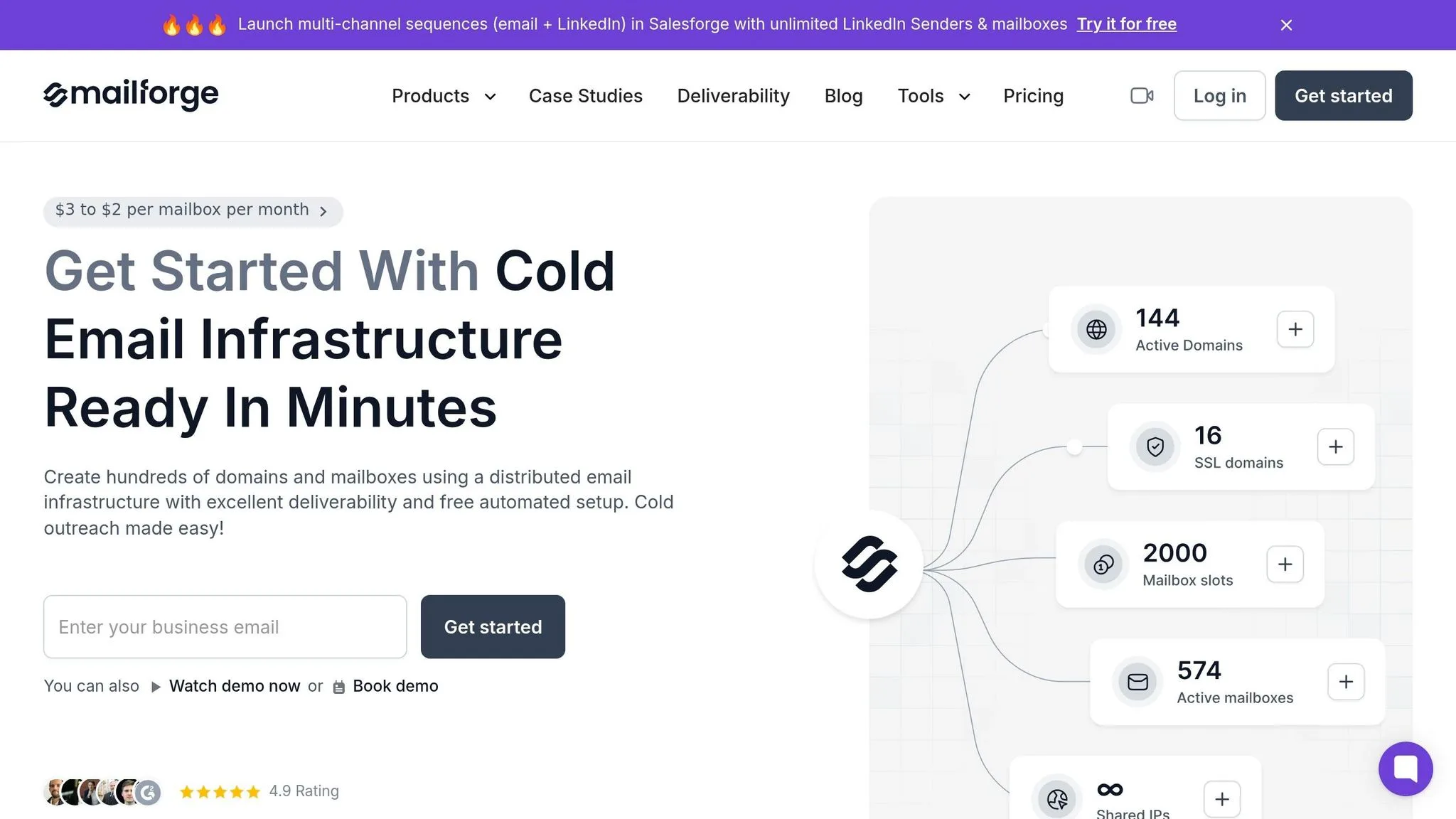
Mailforge is the lowest-cost option in this group, though it runs on shared IP infrastructure. If an agency needs to spin up mailboxes on the cheap and move fast, pricing lands at $2–$3 per mailbox per month, with a 10-mailbox minimum and no platform fee.
Bulk Provisioning
Mailforge automates SPF, DKIM, DMARC, and custom tracking domains in under five minutes. Its Masterbox dashboard gives you one place to manage multiple domains, which makes setup feel much less messy.
Warmup and monitoring sit in separate tools: Warmforge and Infraforge. That setup helps agencies get campaigns live fast, but it doesn't change the fact that Mailforge uses a shared-IP model.
Client Isolation
Mailforge uses shared IPs, which means reputation is pooled across users. It also doesn't include built-in self-healing or automated IP rotation, so there’s less separation between clients than you’d want for higher-stakes sending.
Deliverability Model
Mailforge averages a 63% inbox placement rate. That makes it a fit for budget testing, not client-scale sending.
LinkedIn + API
Mailforge connects with Salesforge for multichannel email and LinkedIn sequences. On the API side, it includes a Forge MCP server and CLI for scripted mailbox management.
The strongest integrations are inside the Forge stack. The main draw here is simple: speed and price, not deep client isolation.
Pros and Cons
The table below sums up the main trade-offs by agency use case. Put simply, it shows who each provider fits best.
| Provider | Key Pros | Key Cons | Ideal Agency Use Case |
|---|---|---|---|
| OutreachFox | Private isolated infrastructure; dedicated campaign IPs; native LinkedIn support; API-first core; industry-tuned warmup | None stated. | High-volume agencies running isolated email + LinkedIn campaigns |
| InboxKit | Under 1-minute setup; Google/Microsoft/Azure support; InfraGuard blacklist monitoring; 82–92% inbox placement | Static IP pools require manual rotation if flagged; isolated warmup is a $3/mailbox/mo add-on | Agencies that need rapid, multi-ESP deployment |
| ScaledMail | White-glove managed setup; Google, Outlook, and SMTP support; expert Slack support | No public API; 2–4 business day provisioning time | Teams that want a fully managed service |
| Zapmail | Pre-warmed accounts; ~5-minute setup; workspace isolation per domain | API locked to $299/mo Pro plan; strict no-refund policy | Small agencies needing fast Google rollout |
| Primeforge | Official Google/Microsoft mailboxes; US-based IPs; ESP-matched routing | Warmup (Warmforge) costs an extra $2/mailbox/mo; no auto-recovery for burned boxes | Agencies already using Salesforge |
| Mailscale | Fast bulk mailbox creation; built-in warmup | Shared infrastructure; significant price jump from $79/mo to $249/mo at 51 mailboxes | Short-term bulk tests at scale |
| Maildoso | Self-healing mailboxes; automatic recovery controls; domains included; 86% inbox placement | No Microsoft 365 support; conservative 15 emails/day/mailbox limit | Deliverability-focused agencies using Google or SMTP |
| Mailforge | Lowest cost at $2.00–$3.00/mailbox | Shared IP infrastructure; 63% inbox placement; no built-in self-healing or IP rotation | Budget testing and low-stakes sends |
The big split here is simple: client-isolated infrastructure vs. shared pools. Private infrastructure gives each client more separation. Shared pools usually cut cost and make setup faster.
OutreachFox stands out when both isolation and multichannel control matter. If an agency is running large outbound programs across email and LinkedIn, that mix is hard to ignore. ScaledMail, on the other hand, gives up some speed in exchange for managed execution.
API access shows a similar divide. OutreachFox and Maildoso are API-ready. Zapmail puts API access behind its $299/mo Pro plan. ScaledMail doesn’t offer a public API at all.
Conclusion
These providers fall into three buckets: shared-pool provisioning tools, infrastructure-first platforms, and multichannel/API-first stacks. What sets them apart is client isolation, workspace control, deliverability setup, LinkedIn support, and API access.
The first big trade-off is cost and speed vs. reputation control. Mailforge and Zapmail are the fastest and cheapest picks, but shared IPs mean sender reputation is only partly in your hands. You get speed and lower cost, but you give up some separation, monitoring, and steadier sender health.
OutreachFox, ScaledMail, InboxKit, and Maildoso lean harder into isolation, monitoring, and deliverability control. The catch is higher pricing or slower onboarding. Within the infrastructure-first group, one platform also handles multichannel execution. OutreachFox stands out when an agency wants isolated infrastructure, native LinkedIn, and API control in one place.
| Provider | Best For | Main Limitation |
|---|---|---|
| OutreachFox | Private infrastructure with LinkedIn and API in one platform | Higher complexity for smaller teams |
| InboxKit | Agencies needing deep monitoring and Google/Microsoft mailboxes | Warmup is a paid add-on |
| ScaledMail | White-glove managed setup for high-volume agencies | No public API; slower onboarding |
| Zapmail | Quick Google/Microsoft mailbox rollout for small agencies | API access is limited to higher-tier plans; no-refund policy |
| Primeforge | Official Google/Microsoft accounts through ESP matching | Modular pricing for warmup and monitoring can add up |
| Mailscale | Teams that want low-cost SMTP provisioning | Hidden pricing and shared IP pool |
| Maildoso | SMTP with IP rotation and self-healing mailboxes | Conservative daily sending limits |
| Mailforge | Low-cost bulk provisioning | Shared IP reputation is affected by other senders |
If you manage high-value clients, private infrastructure matters more when client separation and deliverability control are tied directly to revenue. If your main goal is low-cost bulk provisioning, shared-pool tools can do the job. If you want email, LinkedIn, and API-driven workflows in one stack, OutreachFox is the clearest fit. For agencies, the decision is not just about mailbox count. It comes down to how much isolation, automation, and multichannel control each provider gives you.
Frequently asked questions
What is the main difference between OutreachFox and shared infrastructure providers like Mailforge?+
OutreachFox provides dedicated campaign IPs and private workspaces for each client, ensuring one client's sending issues cannot affect another's deliverability. Mailforge uses shared IP infrastructure where reputation is pooled across all users, making it cheaper ($2-$3 per mailbox) but riskier for agencies managing multiple clients.
How long does mailbox provisioning take across these providers?+
Setup speed varies significantly: InboxKit provisions mailboxes in under 1 minute, Mailforge and Zapmail take about 5 minutes, OutreachFox and Maildoso need around 10 minutes, while ScaledMail requires 2-4 business days as a fully managed service. Most providers automate SPF, DKIM, and DMARC configuration during setup.
Which providers offer API access for automated mailbox management?+
OutreachFox, InboxKit, Primeforge, Maildoso, and Mailforge all provide API access for programmatic mailbox provisioning and management. Zapmail restricts API access to its $299/month Pro plan, while ScaledMail and Mailscale offer no public API at all.
What inbox placement rates do these providers report?+
InboxKit reports 82-92% inbox placement, Maildoso claims 86%, and Mailforge averages 63%. These rates depend heavily on factors like dedicated versus shared IPs, warmup protocols, and whether providers use real Google Workspace and Microsoft 365 accounts versus custom SMTP infrastructure.
Do any of these providers include native LinkedIn support for multichannel campaigns?+
OutreachFox is the only provider with native LinkedIn support built directly into its platform, including connection requests, profile visits, and message sequences. Primeforge and Mailforge offer LinkedIn through their connection to Salesforge, while other providers require third-party tools for LinkedIn integration.
How does workspace-level separation differ from IP-level isolation?+
Workspace-level separation keeps client dashboards and mailboxes organizationally distinct but clients still share underlying IP infrastructure, meaning one client's reputation issues can affect others. IP-level isolation provides dedicated IPs per client, fully preventing reputation spillover between clients—critical for agencies managing high-value accounts.
What are the cost ranges for these cold email infrastructure providers?+
Pricing ranges from about $1.25 per mailbox (Mailscale's reported base rate) to $4.50+ per mailbox for providers with more features. Mailforge sits at $2-3 per mailbox, InboxKit charges $3 per mailbox for isolated warmup, and Primeforge starts at $4.50 dropping to $3.50 at scale. Additional costs for warmup, monitoring, and API access vary by provider.