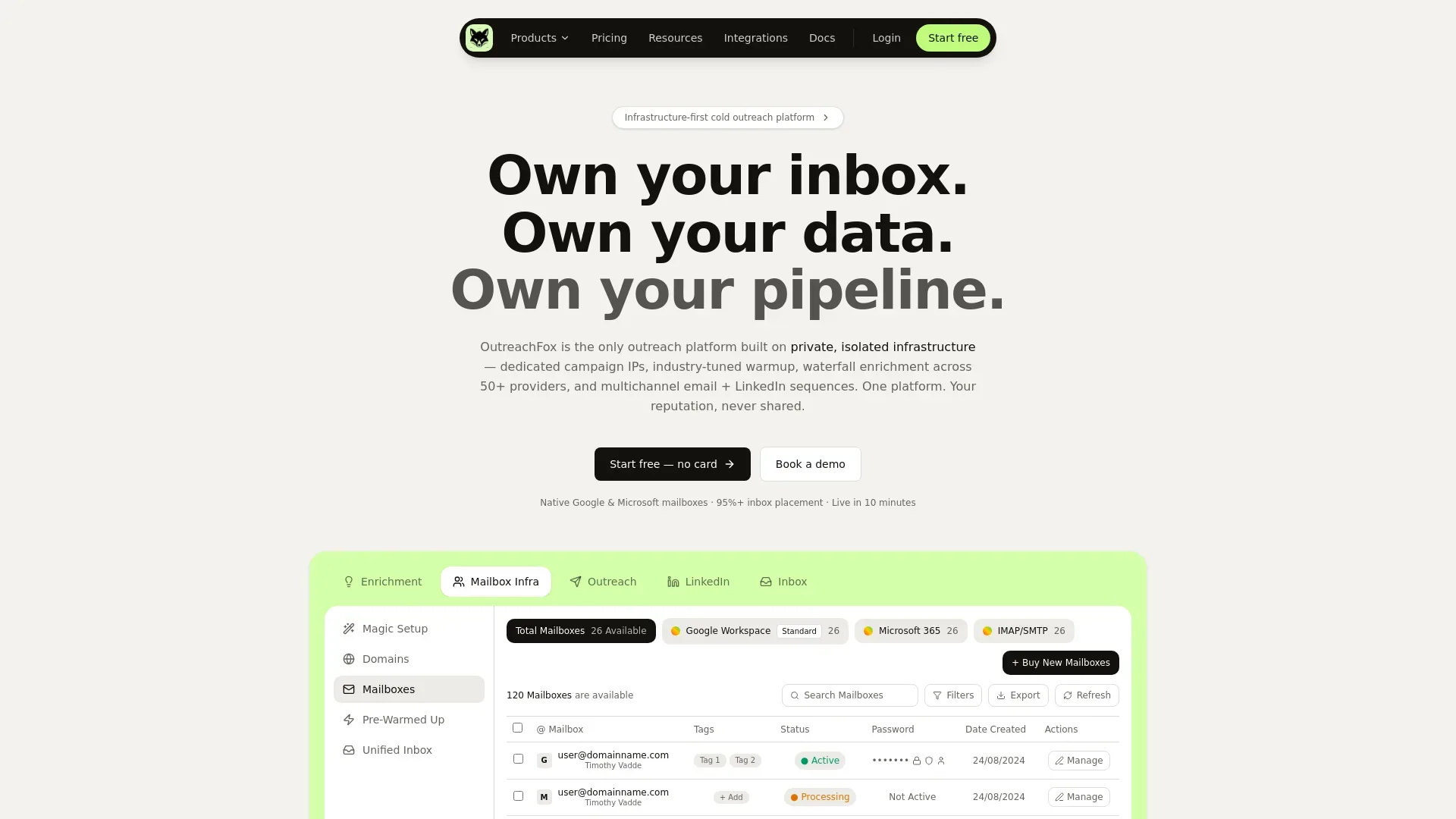
Most cold emails fail because of shared infrastructure, not bad copy. OutreachFox solves this with dedicated IPs, multichannel sequences, waterfall enrichment, and isolated sending environments that protect your reputation.
- Shared warmup pools spread reputation damage across all users in the network
- Multichannel sequences combining email and LinkedIn dramatically improve reply rates and avoid filters
- Waterfall enrichment across 50+ providers pushes contact match rates above 90 percent
- Dedicated campaign IPs isolate your sending reputation from other users' mistakes
- OutreachFox owns infrastructure, enrichment, and outreach in one API-first platform
- Pre-warmed mailboxes let teams go live in ten minutes instead of weeks
You can write the perfect cold email and still never get read. Most teams blame the copy, rewrite the subject line for the tenth time, and watch reply rates keep sliding. The real problem usually isn't the message — it's the plumbing underneath it.
OutreachFox is built on that exact premise. It's an end-to-end cold outreach platform that treats deliverability as an infrastructure problem first and a copywriting problem second. Instead of bolting another plugin onto a leaky stack, it gives every customer their own private, isolated sending environment — dedicated campaign IPs, industry-tuned warmup, waterfall enrichment across 50+ data providers, and multichannel email + LinkedIn sequences, all in one place.
The pitch is simple: your reputation should be yours alone, never shared.
The three reasons good campaigns die before they're read
1. Shared warmup pools burn your domains
Most cold email tools quietly pool your sending with thousands of other accounts firing nearly identical patterns from the same IP ranges. Email providers flagged that playbook years ago. The moment one stranger in the pool hits a blacklist, every domain in the neighborhood inherits the damage — including your brand-new one. You're always one stranger's spam complaint away from the spam folder.
OutreachFox's answer is isolation. Every account runs in its own walled-off stack with dedicated IPs that are never co-mingled. Your inbox placement depends on your behavior, not someone else's mistakes. On a shared network you can watch a 95% health score collapse to 40% the day you go live; removing the shared variable removes that risk entirely.
2. One channel isn't enough anymore
Email-only reply rates keep dropping as inboxes get smarter at filtering. The prospects who ignore your email will often answer a LinkedIn touch — but running both usually means two tools, two sequences, and two inboxes that never talk to each other. The coordinated follow-up that would have landed never gets sent.
OutreachFox blends email and LinkedIn into a single sequence with conditional logic — for example, no email open in three days → send a LinkedIn connection request with a personalized note. Built-in throttling paces each channel so neither account gets flagged, and every reply from every mailbox and channel lands in one unified inbox that tags sentiment and suggests responses automatically.
3. The best IP can't save a dead address
Premium infrastructure still bounces on inboxes that no longer exist, and every bounce chips away at the reputation you paid to build. Single-source contact databases typically plateau around a 40–50% match rate and quietly feed your campaigns leads that were never going to reply.
This is where waterfall enrichment comes in. OutreachFox queries data providers in sequence — stopping the instant it finds verified data — to push match rates toward 90%+. It pairs that with proprietary email verification that catches invalids, catch-alls, and role-based addresses before they reach your send queue, so bad data never touches the infrastructure you've worked to keep clean.
Three owned layers, one platform
What ties OutreachFox together is that it owns all three layers of the outbound stack rather than renting or pooling them:
Infrastructure. Native Google Workspace and Microsoft 365 mailboxes on the providers' own infrastructure — real accounts, not shared SMTP relays dressed up as "infra." Authentication (SPF, DKIM, DMARC) is configured correctly every time with no manual DNS, IPs are available in US and EU regions, and provider-matched routing sends Gmail leads from Gmail and Outlook leads from Outlook to lift placement. Mailboxes come pre-warmed, so you skip the usual 2–4 week ramp and can be live in roughly ten minutes.
Enrichment. A Clay-style enrichment table with field-level waterfalls and AI columns, finding and verifying work emails and direct phone numbers — without Clay's credit-burn or the RevOps degree required to run it.
Outreach. Multichannel sequences, an AI sequence builder, real-time per-mailbox and per-campaign metrics, and a unified inbox — all sitting on an API-first core.
Built for people who build
Every action in the dashboard is also an API endpoint. You can provision mailboxes, build campaigns from enriched data, pull reply events, and sync to your CRM programmatically, with webhooks pushing bounces, opens, replies, and mailbox-health events in real time to Slack or your own systems. For agencies running 100+ inboxes or GTM teams wiring outbound into a larger workflow, that programmatic core is the difference between a tool and a platform.
Who it's for
- Agencies running 100+ campaigns get white-label workspaces, isolated infrastructure per client, and bulk provisioning.
- GTM teams get a single flow from prospect to CRM — enrich, sequence, reply, sync — multichannel by default.
- Solo founders get pre-warmed mailboxes, AI-generated sequences, and a unified inbox, live in about ten minutes.
The bottom line
Cold outreach tools have spent years competing on features layered on top of shared, fragile infrastructure. OutreachFox flips the order: fix the foundation — isolated sending, owned mailboxes, verified data — and the features actually deliver on what they promise. As the team puts it, shared infrastructure is a shared liability. Owning your stack is how you stop being one stranger's mistake away from the spam folder.
If your campaigns are well-written but quietly dying before they're read, the fix probably isn't another subject-line rewrite. It's the infrastructure underneath.
Want to see it live? OutreachFox offers a free start with no card required, plus a guided demo for teams that want a walkthrough.
Frequently asked questions
What does OutreachFox mean by 'dedicated campaign IPs' and why does it matter?+
OutreachFox gives every customer their own isolated sending environment with dedicated IPs that are never shared with other accounts. This matters because most cold email tools pool your sending with thousands of other users on shared IPs—if anyone in that pool gets blacklisted, your domain inherits the damage even if your behavior is clean.
How does OutreachFox's waterfall enrichment differ from using a single contact database?+
Instead of relying on one data provider that typically delivers 40–50% match rates, OutreachFox queries multiple data providers in sequence until it finds verified contact data, pushing match rates toward 90%+. It stops the moment valid data is found, then verifies emails to filter out invalids and catch-alls before they ever reach your send queue.
Can OutreachFox coordinate email and LinkedIn outreach in the same sequence?+
Yes. OutreachFox combines email and LinkedIn into a single multichannel sequence with conditional logic—for example, automatically sending a LinkedIn connection request if an email isn't opened within three days. All replies from both channels land in one unified inbox with sentiment tagging and response suggestions.
What does 'provider-matched routing' mean in OutreachFox's infrastructure?+
Provider-matched routing means OutreachFox sends Gmail leads from Gmail mailboxes and Outlook leads from Outlook mailboxes to improve inbox placement. The platform uses native Google Workspace and Microsoft 365 accounts on the providers' own infrastructure, not shared SMTP relays, with authentication configured automatically.
How quickly can you start sending with OutreachFox compared to traditional warmup periods?+
OutreachFox mailboxes come pre-warmed, so you can be live in approximately ten minutes instead of waiting the usual 2–4 weeks. This is possible because each mailbox runs in an isolated environment with dedicated IPs, eliminating the shared warmup pool that typically requires lengthy ramp-up periods.
Does OutreachFox offer programmatic access beyond the dashboard interface?+
Yes. Every dashboard action is also an API endpoint, allowing teams to provision mailboxes, build campaigns, pull reply events, and sync to CRMs programmatically. Webhooks push real-time events like bounces, opens, replies, and mailbox-health updates to Slack or custom systems.
Why does OutreachFox verify emails before they reach the send queue?+
Every bounce damages your sender reputation, even on premium infrastructure. OutreachFox's proprietary email verification catches invalid addresses, catch-alls, and role-based emails before they're sent, ensuring bad data never touches the clean infrastructure you've built and protecting the reputation you've worked to maintain.