
OutreachFox is the only platform in this review with verified client isolation, native LinkedIn + email sequencing, and built-in enrichment across 50+ providers—critical for agencies managing multiple client accounts safely.
- Client separation prevents one account's problems from affecting others across your agency
- OutreachFox offers dedicated campaign IPs and isolated infrastructure for each client workspace
- Native LinkedIn and email sequencing eliminates the need to patch multiple tools together
- Built-in enrichment across 50+ providers reduces handoffs between prospecting and outreach steps
- Most platforms lack verified agency-grade controls; always validate isolation in live demos
- Infrastructure-first platforms shorten onboarding with pre-warmed mailboxes and bulk provisioning
LinkedIn Outreach Platforms for Agencies: 2026 Guide
If I were picking a LinkedIn outreach platform for an agency in 2026, I'd start with one question: can one client's setup hurt another client? That single check cuts through most of the noise.
From this review of 7 platforms - OutreachFox, HeyReach, Skylead, Salesflow, Expandi, Waalaxy, and Apollo.io - my takeaway is simple:
- OutreachFox is the only option in this list with verified details across all 3 core checks:
- client separation
- native LinkedIn + email sequences
- built-in enrichment
- Skylead shows verified multi-account agency management and white-label support, but the article gives less proof on sender isolation and enrichment depth.
- HeyReach, Salesflow, Expandi, Waalaxy, and Apollo.io stay mostly unverified here for agency-safe separation, sequencing, or enrichment.
If you run outreach for many clients, I'd judge these tools by:
- workspace separation
- sender reputation risk
- LinkedIn plus email in one flow
- native data enrichment
- setup time
That matters because shared systems can spread problems fast. One flagged account, one weak sending setup, or one mixed workspace can affect more than one client.
I Ranked 16 LinkedIn Automation Tools From Best To Worst - (Lemlist, HeyReach, Expandi, Dripify)
Quick Comparison
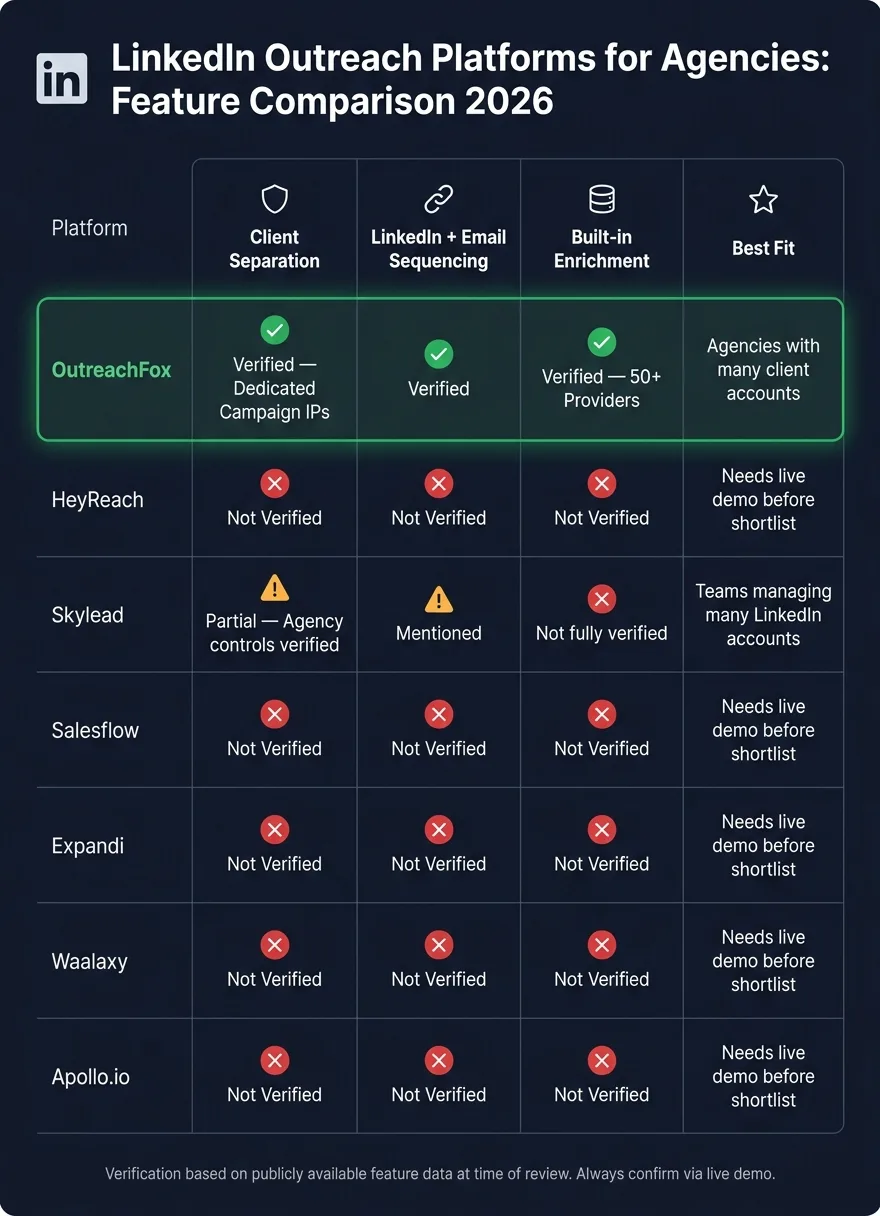
| Platform | Client separation | LinkedIn + email sequencing | Enrichment | Best fit from this review |
|---|---|---|---|---|
| OutreachFox | Verified with dedicated campaign IPs | Verified | Verified across 50+ providers | Agencies with many client accounts |
| HeyReach | Not verified | Not verified | Not verified | Needs live demo before shortlist |
| Skylead | Partial agency controls verified | Mentioned in scenario fit | Not fully verified here | Teams managing many LinkedIn accounts |
| Salesflow | Not verified | Not verified | Not verified | Needs live demo before shortlist |
| Expandi | Not verified | Not verified | Not verified | Needs live demo before shortlist |
| Waalaxy | Not verified | Not verified | Not verified | Needs live demo before shortlist |
| Apollo.io | Not verified | Not verified | Not verified | Needs live demo before shortlist |
Here's the short version: if I needed strict client separation and fewer extra tools, OutreachFox comes out ahead in this article. If I only needed lighter account management, I'd still ask hard questions in a live demo before rolling anything out.
1. OutreachFox
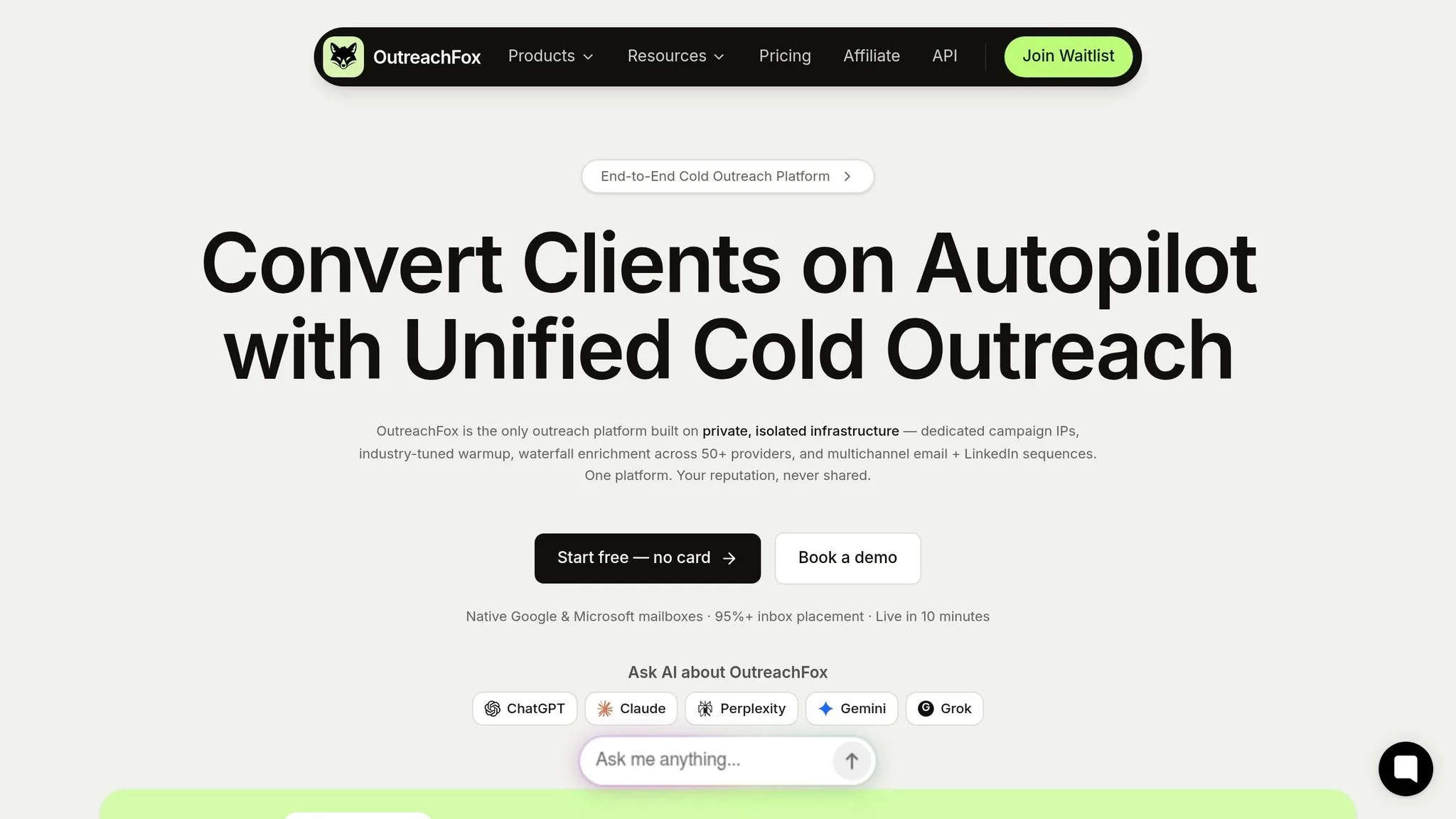
OutreachFox is built around isolated infrastructure for agency outreach. For agencies, the big call is simple: is that isolation setup worth the extra control?
Account Isolation and Client Protection
OutreachFox gives each client dedicated campaign IPs that aren't shared with any other customer's traffic. That setup helps agencies keep client workspaces separate and lower cross-account risk, similar to how isolated mailboxes protect sender reputation in email outreach.
It also makes setup less of a slog. Bulk provisioning helps teams spin up client workspaces faster, and automated SPF, DKIM, and DMARC setup comes included. Pre-warmed mailboxes for Google, Microsoft, SMTP, and Azure can shrink launch time to about 10 minutes. If white-labeling matters, that's available on the Enterprise tier.
Multichannel Sequencing
OutreachFox doesn't stop at infrastructure. It also runs email and LinkedIn sequences natively, which means agencies can manage both from one system instead of patching tools together.
An AI sequence builder handles sequence logic, and a unified inbox pulls replies from active campaigns into one place with AI tagging. On top of that, real-time mailbox and campaign metrics make it easier to catch deliverability issues early, before they spill into other accounts.
Enrichment Depth
OutreachFox also includes an enrichment table with field-level waterfall enrichment across 50+ providers, plus AI columns for finding and verifying work emails and phone numbers.
For agencies, that's a practical plus. It means fewer handoffs between prospecting, verification, and outreach, and less bouncing between tools just to move a lead from one step to the next.
That makes OutreachFox the infrastructure-heavy option in this list.
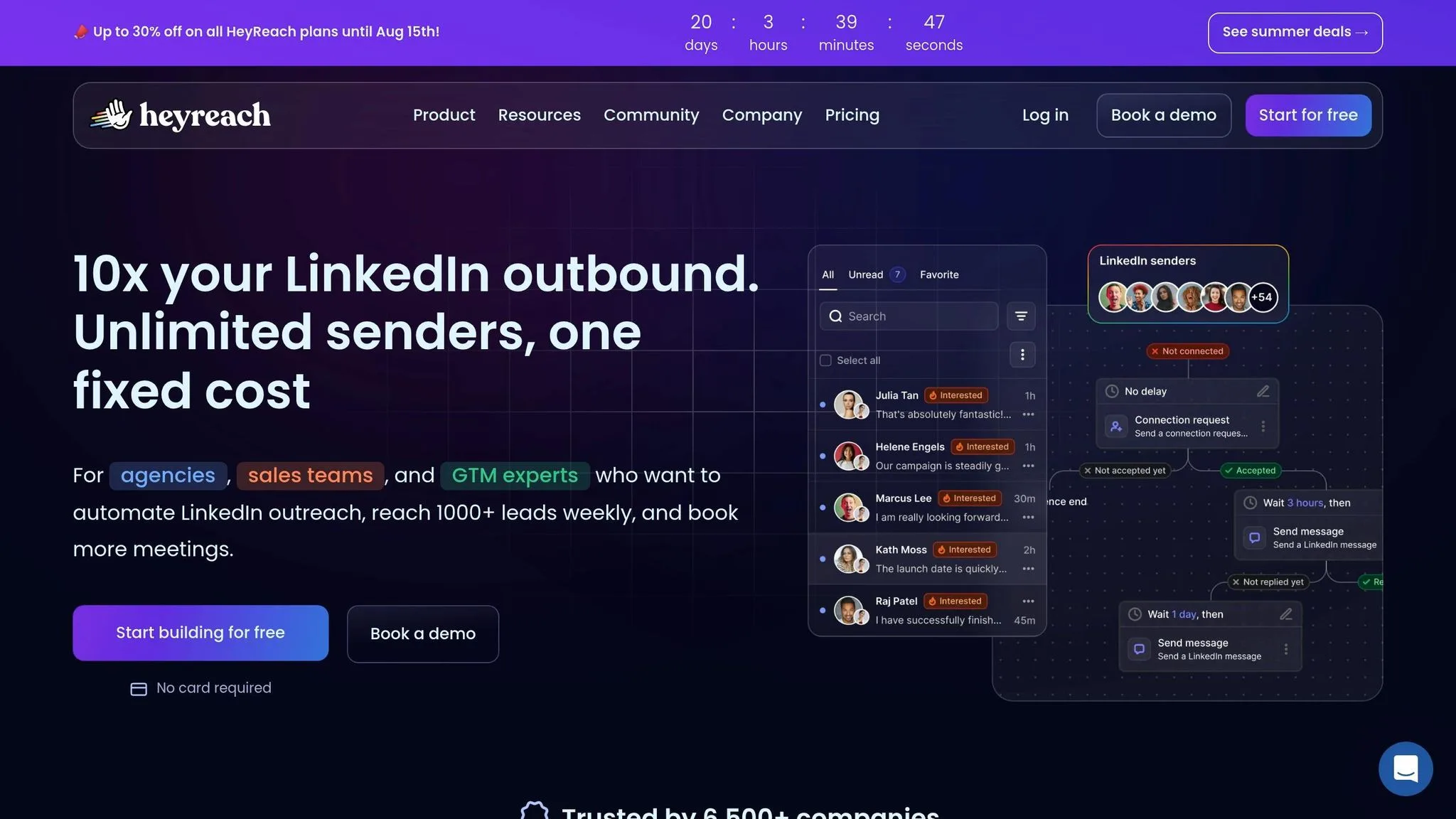
2. HeyReach
The available sources don't give enough detail to compare HeyReach at the feature level for agency workflow, client protection, sequencing, or enrichment.
Next up: Skylead, reviewed using the same agency-use criteria.
3. Skylead
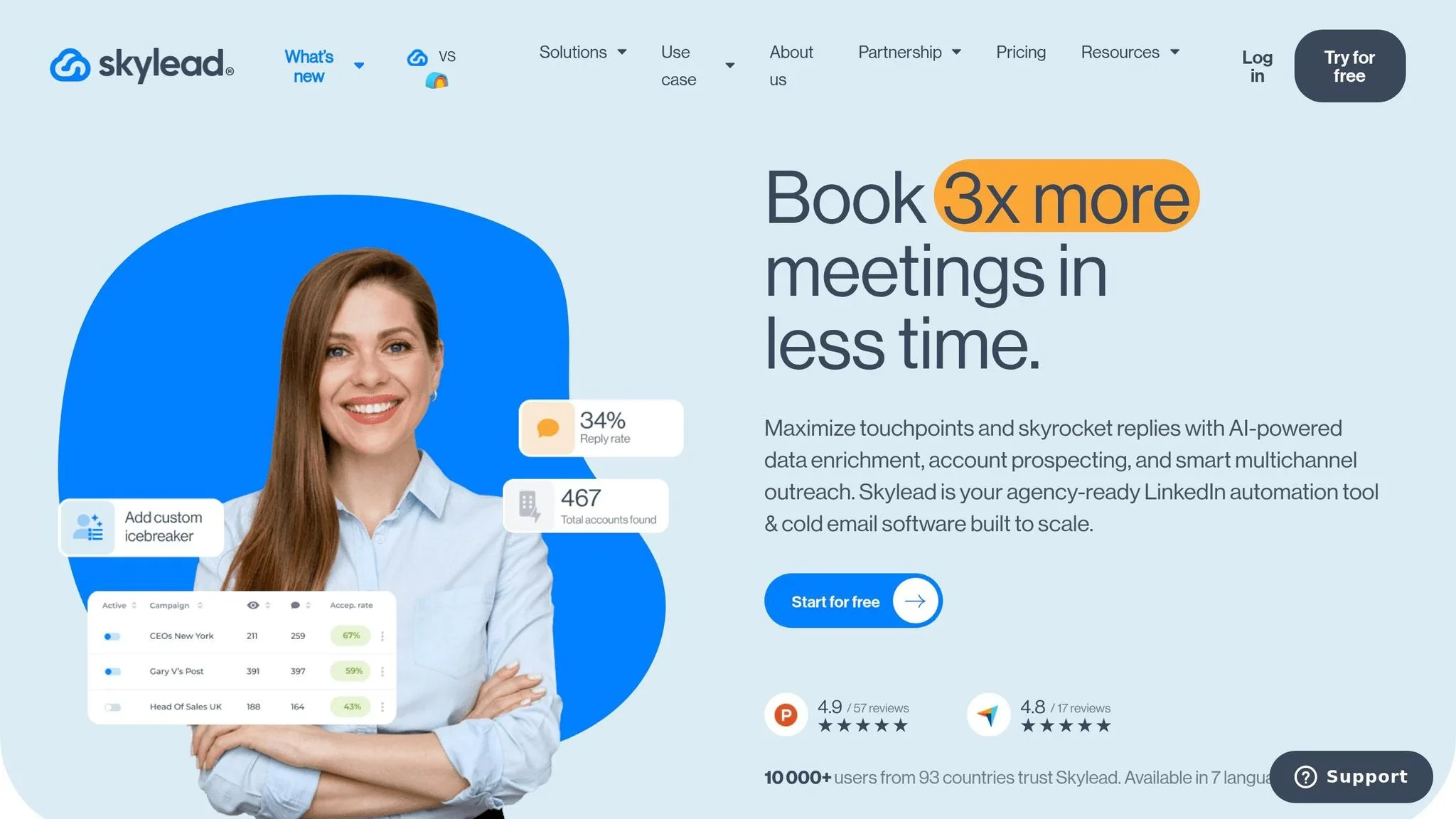
Skylead brings multiple LinkedIn accounts and email inboxes into one Agency Dashboard. Agencies can add unlimited team members, assign roles, and set client-level access. That cuts down admin work as the team grows.
Put simply, Skylead is built more as a multi-account management tool than a stand-alone sending setup.
Client Protection
Skylead includes white label branding with a custom domain and logo. So if an agency needs shared workspace control and client-facing branding, Skylead fits that use case well.
Next: Salesflow, which goes after a similar agency audience but uses a different workflow model.
4. Salesflow
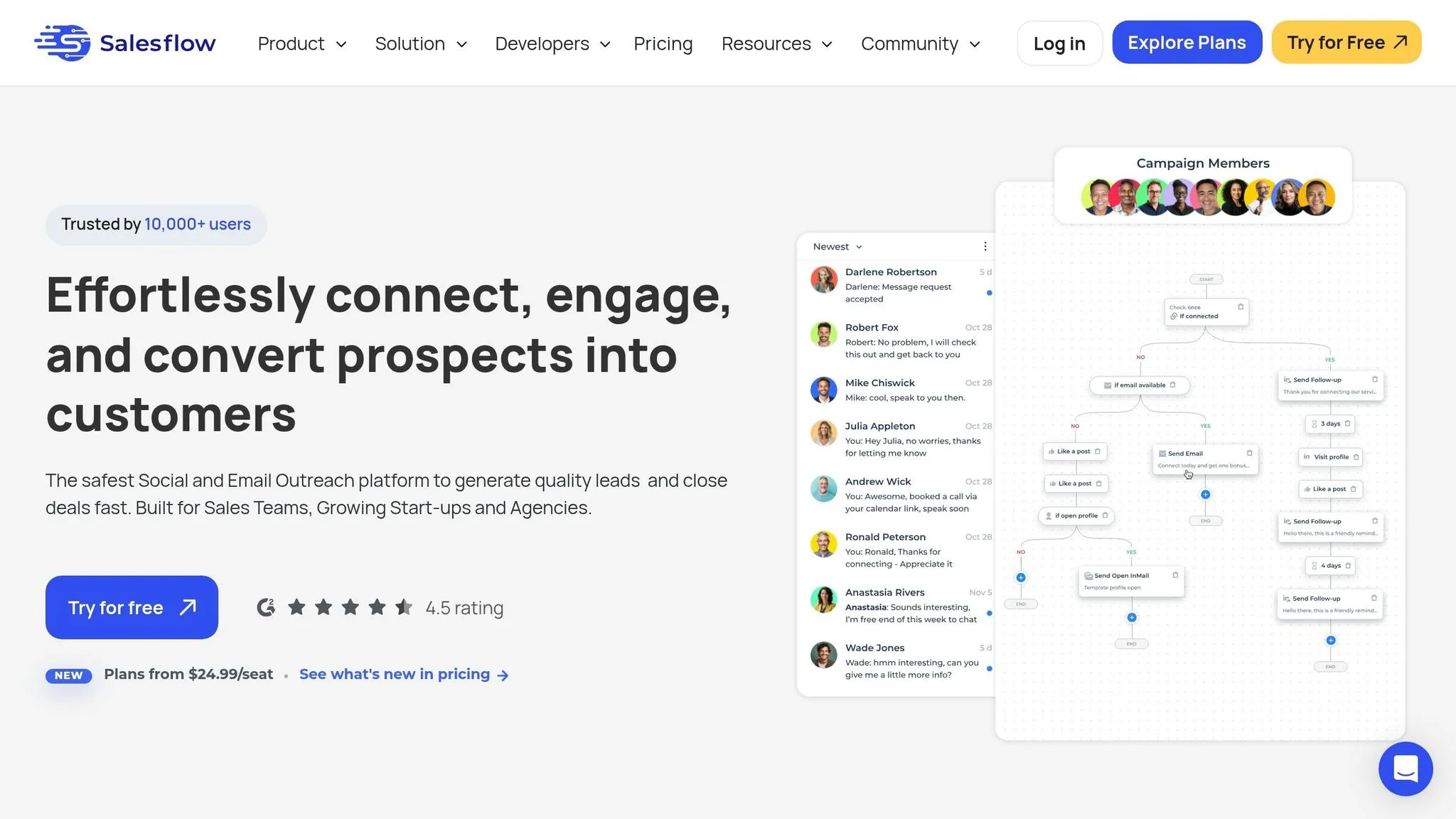
There isn't enough verified detail here on Salesflow to compare a few core agency needs:
- Workspace isolation and account separation
- Access controls
- Multichannel sequencing
- Data enrichment
Next: Expandi, reviewed with the same agency criteria.
5. Expandi
The sources provided don't confirm whether Expandi includes agency controls, sequencing, or enrichment. So this guide doesn't score it for those areas.
Next: Waalaxy.
6. Waalaxy
Waalaxy doesn't have enough verified agency-use detail here to score its workflow, account isolation, sequencing, or enrichment.
| Criteria | Waalaxy |
|---|---|
| Agency account control | Not verified in source material |
| Client separation | Not verified in source material |
| Multichannel sequencing | Not verified in source material |
| Enrichment depth | Not verified in source material |
So the main agency check stays the same: verify isolation, sequencing, and enrichment before you standardize on the tool.
In plain English, don't roll this out across client accounts just yet. First, confirm workspace separation, LinkedIn-plus-email sequencing, and native verification in a live demo.
7. Apollo.io
The source material does not confirm Apollo.io's agency account isolation, client protection, sequencing, or enrichment for LinkedIn outreach. Because of that, it stays unscored here.
And that matters. If agency controls can't be confirmed, a platform shouldn't make the shortlist.
At this point, the focus moves away from platform names and toward the criteria used to choose between them.
How to Choose the Right Platform for Your Agency
Several tools mentioned earlier weren't fully checked for agency-grade controls. So start with the basics: setup and separation.
Those two filters do most of the heavy lifting.
Evaluate the Setup Model First
Your setup model shapes how fast you can bring on a new client and how much manual work your team takes on as you grow.
Browser-dependent tools can do the job for smaller client lists. The tradeoff is simple: they usually need more hands-on account management. That can get old fast when your roster grows.
Cloud-based platforms cut down on device management. That's a plus. But you still need to check user access and workspace separation before you roll anything out.
Infrastructure-first platforms tend to shorten onboarding. They often include private mailboxes, automated auth setup, and bulk provisioning. For agencies, that can remove a lot of setup friction.
Once you know how fast onboarding will be, look at the next issue: how much damage one client can cause across the rest of your portfolio.
Then Check the Safety Model
Safety model comes down to blast radius.
If one client's account gets flagged, or its sending setup gets blacklisted, what happens next? Does the problem stay contained, or does it spill into other client accounts?
Shared infrastructure means shared risk. Isolated infrastructure, with dedicated IPs and separate sending environments for each client, keeps one client's mess from dragging down the rest of your book.
If you run several client programs at once, workspace isolation shouldn't be optional. It should be a hard requirement.
| Setup model | What it means | Agency takeaway |
|---|---|---|
| Browser-dependent tools | More manual management per LinkedIn account | Best for small teams; harder to scale |
| Cloud-based tools | Less device overhead, but separation still varies | Verify account and workspace isolation before rollout |
| Infrastructure-first platforms | Private infrastructure, pre-warmed mailboxes, and bulk provisioning | Best fit for agencies that need fast onboarding and strong client separation |
Check the Full Stack
Look for platforms that bring the whole motion into one place:
- Client isolation
- LinkedIn and email sequencing
- Enrichment
- Reporting
- CRM sync
Use these filters to match a platform to how your agency actually works day to day. They also set up the scenario-by-scenario comparison below.
Which Platform Fits Which Agency Scenario
Agencies don't all work the same way. A small boutique shop might only juggle a handful of clients. A larger team may be running outreach for dozens of accounts at the same time.
That's why platform fit matters so much. The safest way to choose is simple: start with the agency scenario that looks most like your setup, then see which platform lines up with it.
| Agency scenario | Best-fit platform(s) | Why |
|---|---|---|
| Managing many client LinkedIn accounts with separate workspaces | OutreachFox | Built for client separation at scale. |
| Running LinkedIn and cold email in one native sequence | OutreachFox, Skylead | Keeps LinkedIn and email in one workflow. |
| Isolating client sender reputation from other clients | OutreachFox | Dedicated infrastructure per client limits cross-account risk. |
| Built-in enrichment instead of a separate data tool | OutreachFox | Keeps enrichment inside the outreach stack. |
Use the table above to pair each platform with the agency need it handles best.
Pros and Cons by Platform
The scenario fit above leads to one practical question: which platform gives you the cleanest client separation without piling on extra tools?
This section narrows the tradeoffs to three things that tend to matter most: client isolation, native sequencing, and enrichment. In practice, agencies usually end up choosing between stronger account separation and lighter LinkedIn-only tooling.
OutreachFox is the only platform in this list fully verified for agency-grade controls. Its upside is clear: isolated infrastructure, dedicated IPs, native email + LinkedIn, and built-in enrichment. The downside? It can be more than some teams need if they only want LinkedIn automation.
The other platforms matter less for what they claim and more for what the source material does not confirm. For most of the remaining tools, isolation, native enrichment, and client account protection were not verified here. And honestly, that missing proof is the main drawback.
If you're building a final shortlist, don't stop at feature pages. Validate isolation, sequencing, and enrichment in a live demo.
Conclusion
The right LinkedIn outreach platform for your agency is the one that fits how you actually run the business. Judge that fit by client separation, native multichannel sequencing, and enrichment depth - not by how long the feature list looks.
For agencies working at scale, those three checks usually point to isolated infrastructure. OutreachFox is built for that setup: dedicated infrastructure for each client, native email and LinkedIn sequencing, and waterfall enrichment that queries multiple providers to maximize match rates in one place.
The last step is simple: run a live demo before you commit. Look closely at how client accounts are separated, whether enrichment is native or just bolted on, and whether account problems from other customers can affect your campaigns. Feature pages won't tell you that. A live demo will—and if you're coordinating email and LinkedIn outreach together, make sure the platform can handle both channels without forcing you into workarounds that hurt deliverability or sender reputation.
Frequently asked questions
Can one client's flagged LinkedIn account affect other clients when using OutreachFox?+
No. OutreachFox provides dedicated campaign IPs for each client that aren't shared with other customers' traffic. This infrastructure isolation keeps client workspaces separate and prevents one client's account issues from spreading to other clients in your agency.
Which platforms in this comparison support both LinkedIn and email sequences natively?+
OutreachFox is verified to run both email and LinkedIn sequences natively within one system. Skylead is mentioned in scenario fit for this capability, though with less verification detail provided. The other five platforms (HeyReach, Salesflow, Expandi, Waalaxy, and Apollo.io) were not verified for native multichannel sequencing.
How long does it take to set up a new client workspace in OutreachFox?+
OutreachFox can launch a new client workspace in approximately 10 minutes. This includes automated SPF, DKIM, and DMARC setup, plus pre-warmed mailboxes for Google, Microsoft, SMTP, and Azure. Bulk provisioning helps agencies spin up multiple client workspaces faster.
What enrichment capabilities does OutreachFox include compared to other platforms?+
OutreachFox includes field-level waterfall enrichment across 50+ providers, plus AI columns for finding and verifying work emails and phone numbers. This keeps enrichment inside the outreach stack instead of requiring separate data tools. The article did not verify native enrichment capabilities for the other six platforms reviewed.
Does Skylead offer white-label branding for agencies?+
Yes. Skylead includes white label branding with a custom domain and logo. The platform also provides an Agency Dashboard where teams can add unlimited members, assign roles, and set client-level access controls for managing multiple LinkedIn accounts.
Why weren't HeyReach, Salesflow, Expandi, Waalaxy, and Apollo.io scored for agency use?+
The source material did not provide enough verified detail to confirm their agency-grade controls, specifically around workspace isolation, client separation, multichannel sequencing, and native enrichment. Without verification of these core agency needs, these platforms remained unscored in the comparison.
What should agencies validate in a live demo before choosing a LinkedIn outreach platform?+
Agencies should validate three core elements: how client accounts are separated and isolated, whether enrichment is native or bolted on through integrations, and whether account problems from other customers can affect your campaigns. Feature pages won't reveal these operational details that only become clear in live demonstrations.